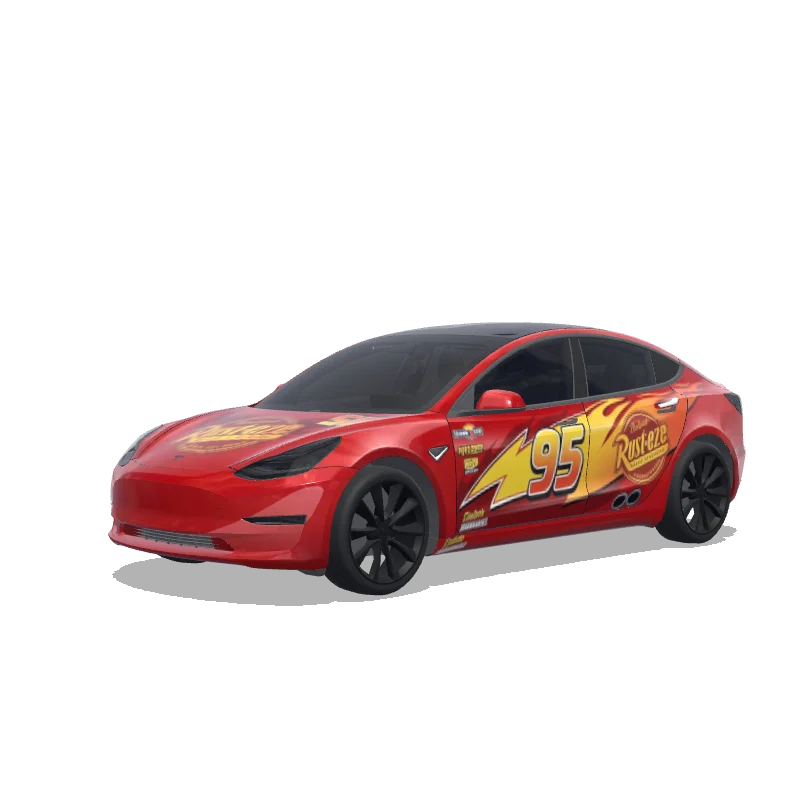
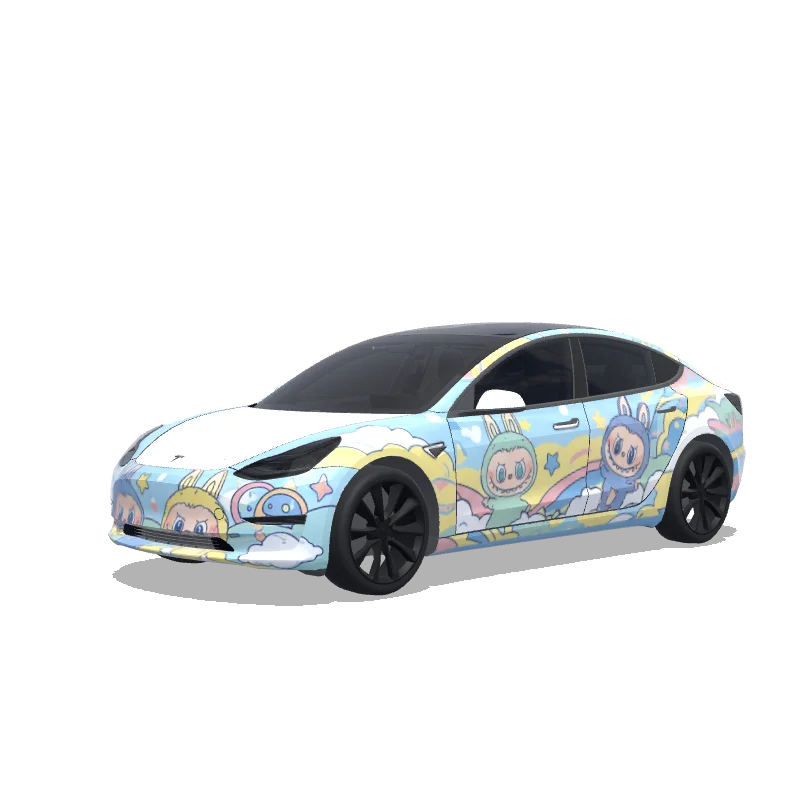
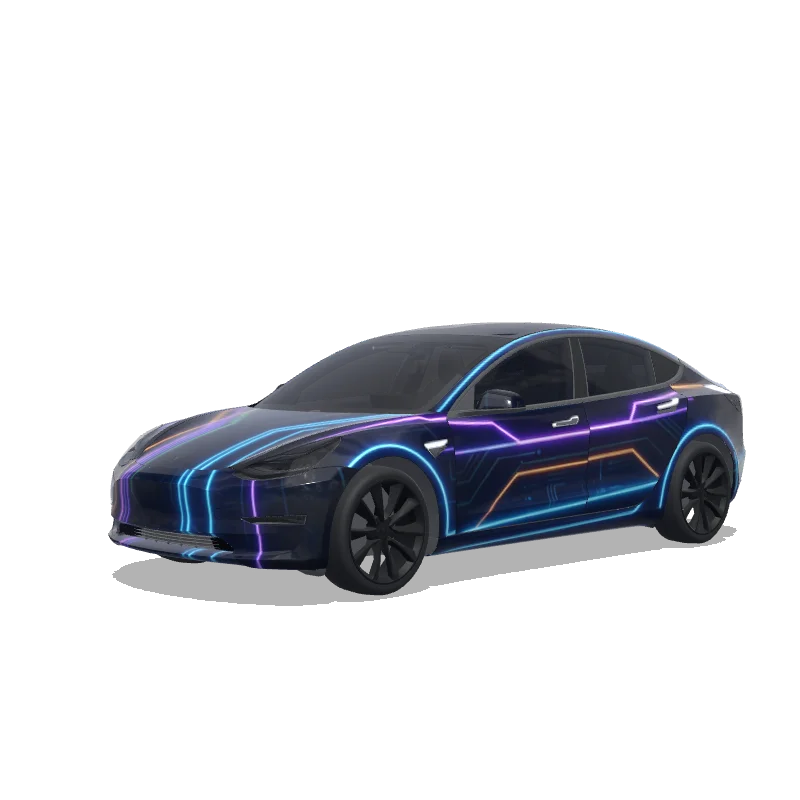
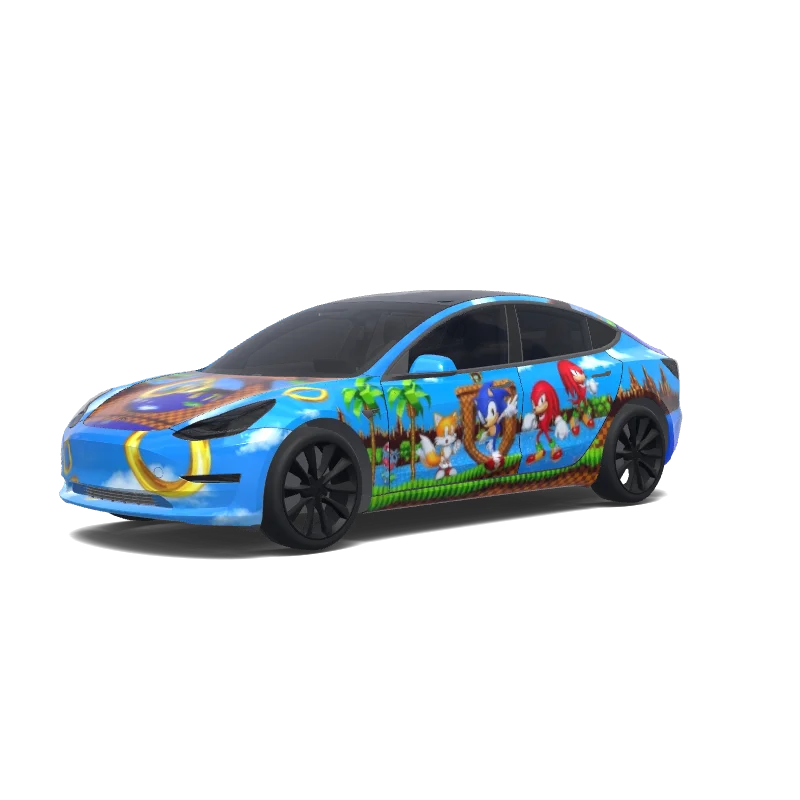
Me gusta: 0Descargas: 1
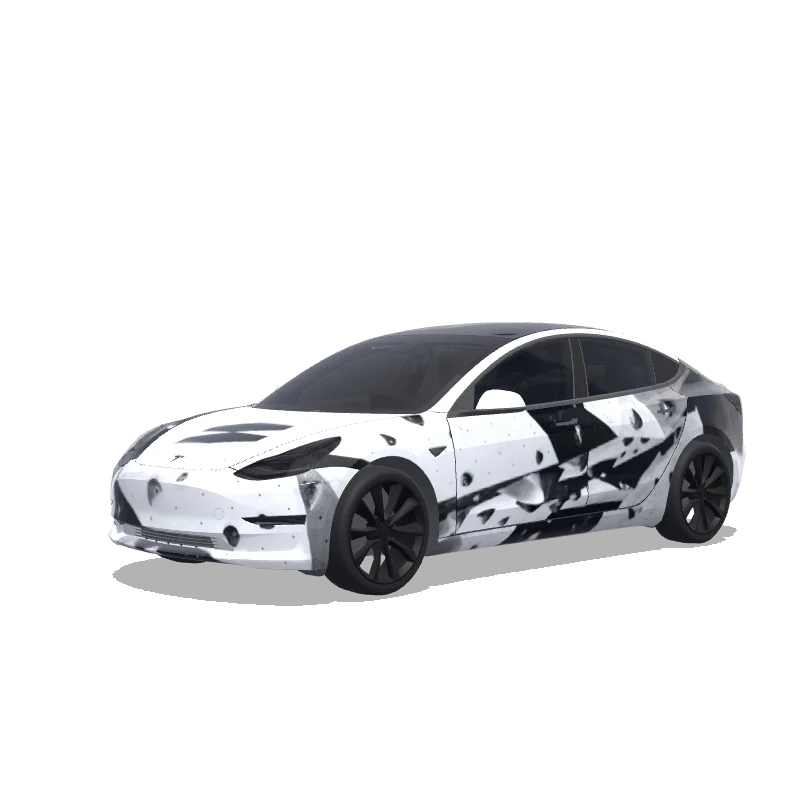
Diseño de vinilo para Model 3

Diseñado por
Joel Alonso Galán
Ver prompt de IA
Prompt de IA usado en Tesla Wrap Studio
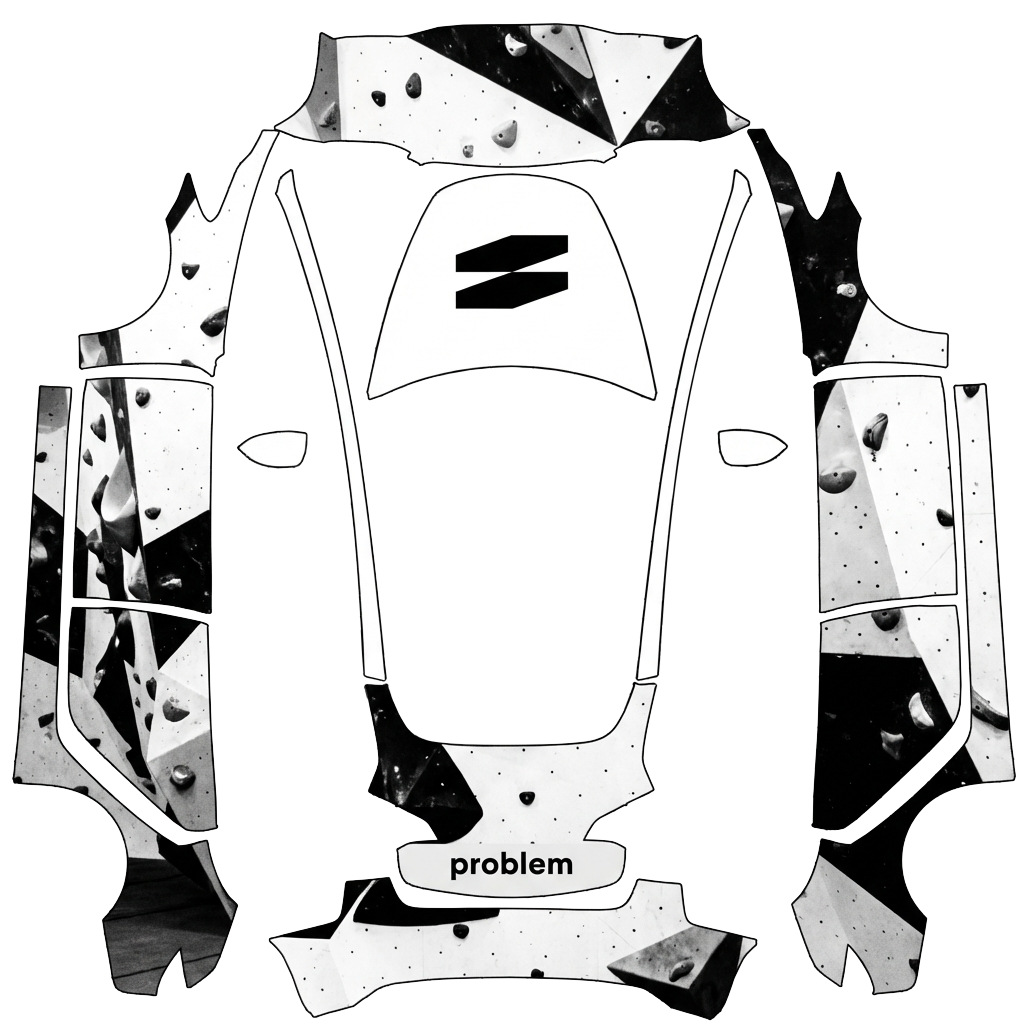
“On the attached reference, there are 2 elements, both referring to the bouldering gym I’m attending - on the top half, there’s a “problem” word, which I’d like to include in this exact font on the rear of the car, somewhere between / slightly above the rear lights of the design. Below the “problem” word on the reference, on the bottom half, there’s a logotype of this bouldering wall. I want to use it in the design - preferably place it on middle of the hood. The overall design of the wrap has to be minimalistic, modern, using the fonts visible on the bottom part of the attached image only. Keep it mostly black and white. Keep it in the bouldering vibe - you can add some structures that would resemble boulders. Do not make the design overly complicated.”
Usar en Tesla Paint Shop
Previsualiza este diseño en tu Tesla
Descarga el PNG para ver este diseño en la pantalla de tu Tesla o en la app de Tesla.
Comprobando los requisitos del archivo
Requisitos de archivo de Tesla Paint Shop
Ver los requisitos oficiales de TeslaRequisito de TeslaEste archivo
Formato
Requisito de TeslaPNG
Este archivoComprobando…
Tamaño del lienzo
Requisito de Tesla512–1024 px por lado
Este archivoComprobando…
Archivo
Requisito de Tesla1 MB o menos · nombre válido
Este archivoComprobando…
Plantilla del vehículo
Requisito de TeslaPlantilla oficial compatible
Este archivoComprobando…
Solo para la vista previa 3D en pantalla de Tesla Paint Shop; no sirve para impresión ni instalación.
Cómo usarlo
Añade este vinilo a tu Tesla
- 01
Descarga el PNG
Guarda el PNG compatible con Paint Shop en tu teléfono u ordenador.
- 02
Envíalo a tu Tesla
En la app de Tesla v4.59.0+: Creations → Wrap → Upload. O coloca el PNG en una carpeta Wraps en la raíz de una unidad USB compatible.
- 03
Aplícalo en Paint Shop
En tu Tesla, abre Toybox → Paint Shop → Wraps y elige el diseño.