Likes: 0Downloads: 1
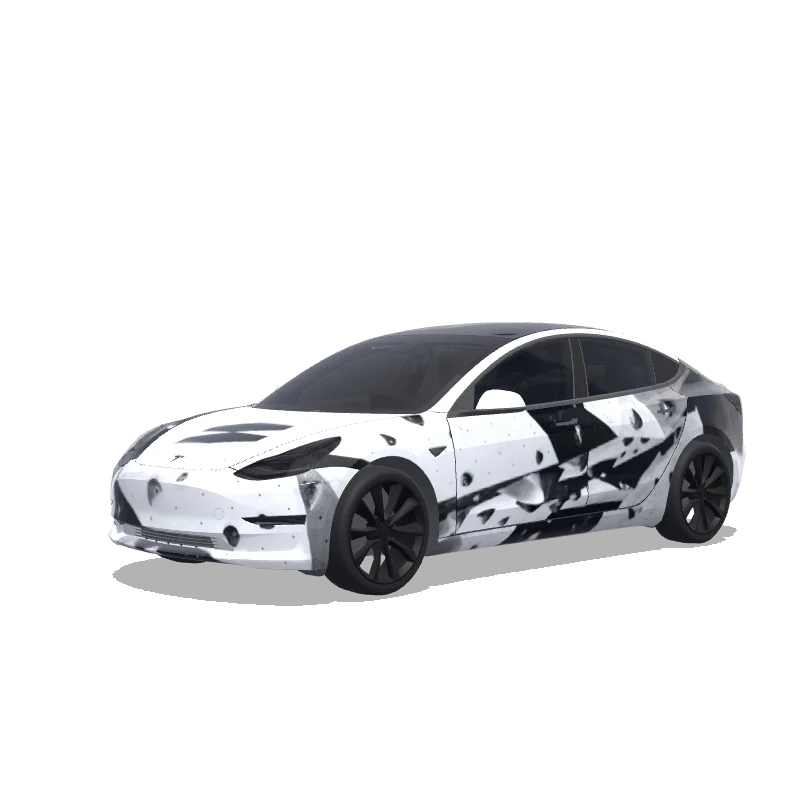
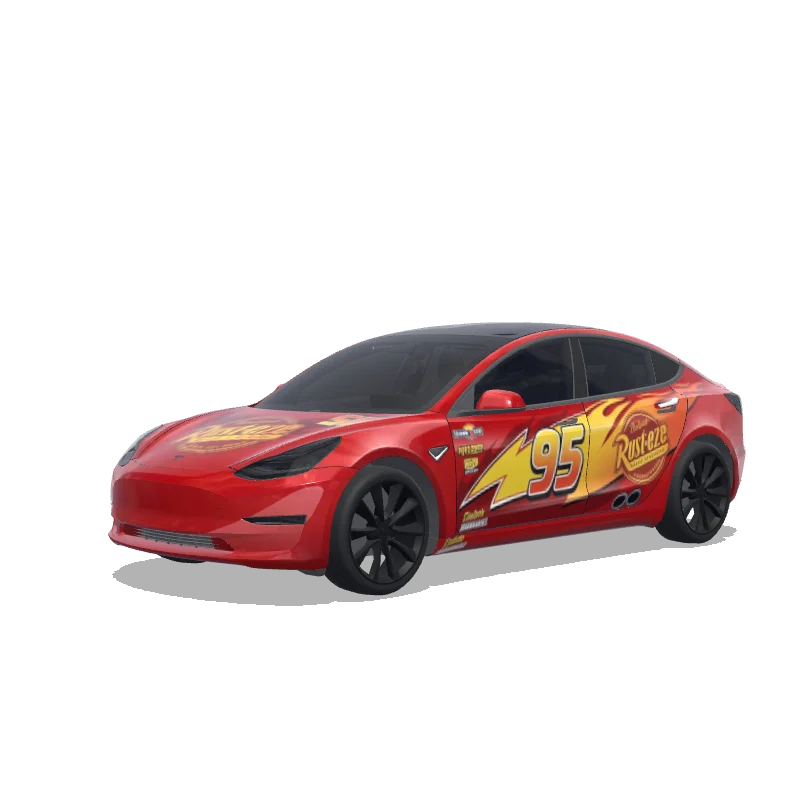
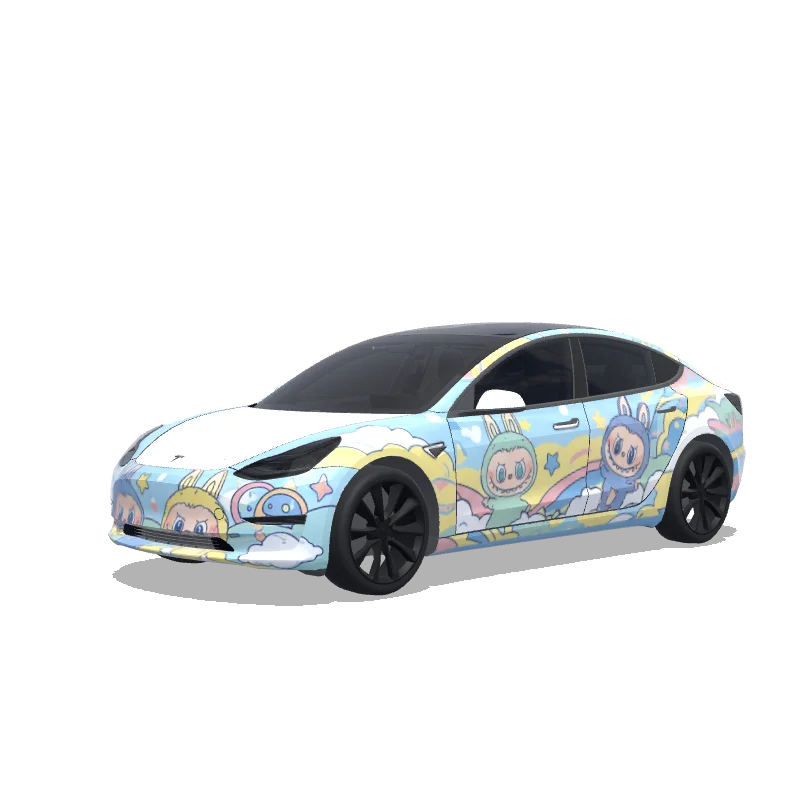
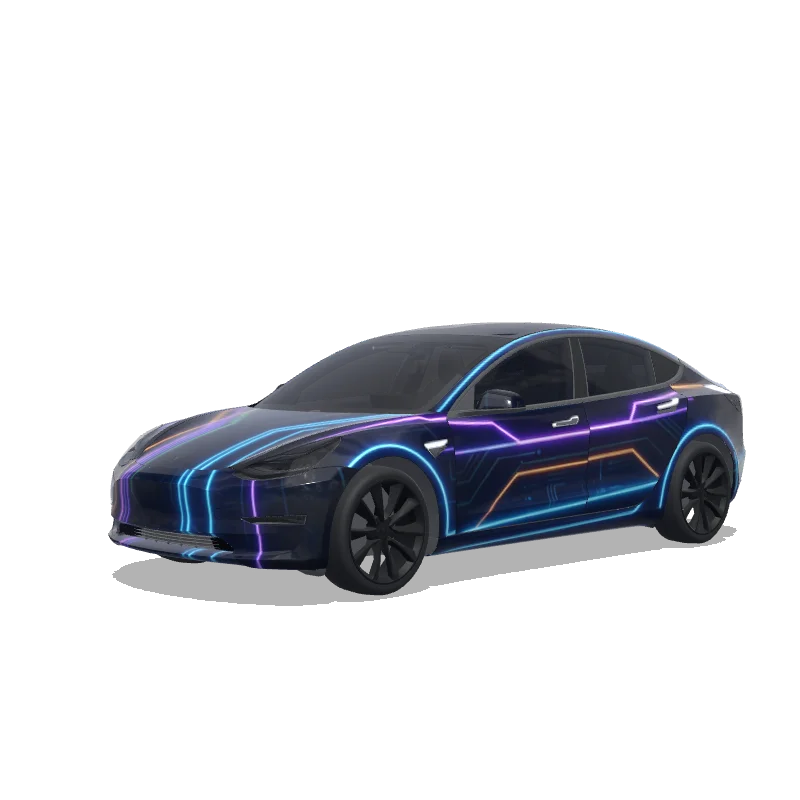
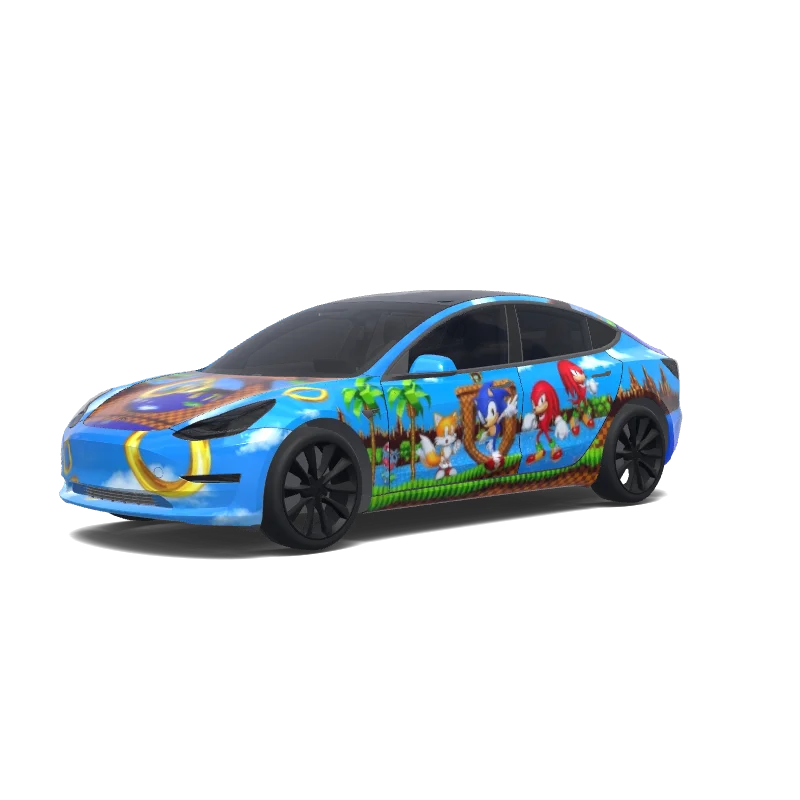
Model 3 Folierungsdesign

Designt von
Joel Alonso Galán
KI-Prompt anzeigen
KI-Prompt verwendet im Tesla Wrap Studio
“On the attached reference, there are 2 elements, both referring to the bouldering gym I’m attending - on the top half, there’s a “problem” word, which I’d like to include in this exact font on the rear of the car, somewhere between / slightly above the rear lights of the design. Below the “problem” word on the reference, on the bottom half, there’s a logotype of this bouldering wall. I want to use it in the design - preferably place it on middle of the hood. The overall design of the wrap has to be minimalistic, modern, using the fonts visible on the bottom part of the attached image only. Keep it mostly black and white. Keep it in the bouldering vibe - you can add some structures that would resemble boulders. Do not make the design overly complicated.”
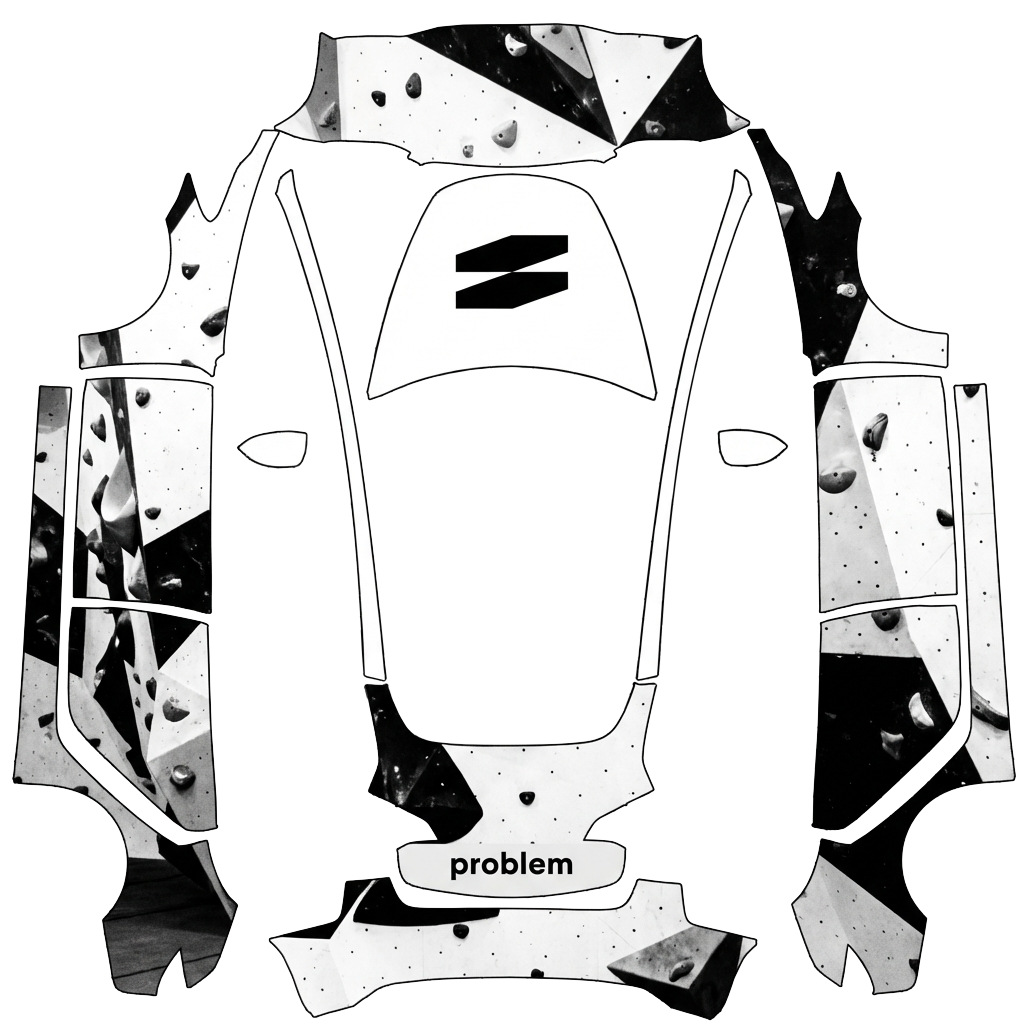
In Tesla Paint Shop verwenden
Dieses Design auf deinem Tesla ansehen
Lade die PNG-Datei herunter, um dieses Design auf dem Tesla-Display oder in der Tesla App anzusehen.
Dateianforderungen werden geprüft
Dateianforderungen für Tesla Paint Shop
Offizielle Dateianforderungen von Tesla ansehenTesla-AnforderungDiese Datei
Format
Tesla-AnforderungPNG
Diese DateiWird geprüft…
Arbeitsfläche
Tesla-Anforderung512–1024 px je Seite
Diese DateiWird geprüft…
Datei
Tesla-AnforderungMaximal 1 MB · gültiger Dateiname
Diese DateiWird geprüft…
Fahrzeugvorlage
Tesla-AnforderungPassende offizielle Vorlage
Diese DateiWird geprüft…
Nur für die 3D-Bildschirmvorschau in Tesla Paint Shop – nicht für Druck oder Folierung.
So funktioniert’s
Füge diese Folierung deinem Tesla hinzu
- 01
PNG herunterladen
Speichere die Paint Shop-kompatible PNG-Datei auf deinem Smartphone oder Computer.
- 02
An deinen Tesla senden
In der Tesla App ab v4.59.0: Creations → Wrap → Upload. Oder lege die PNG-Datei im Stammordner Wraps eines unterstützten USB-Sticks ab.
- 03
In Paint Shop anwenden
Öffne in deinem Tesla Toybox → Paint Shop → Wraps und wähle das Design aus.