Likes: 0Downloads: 1
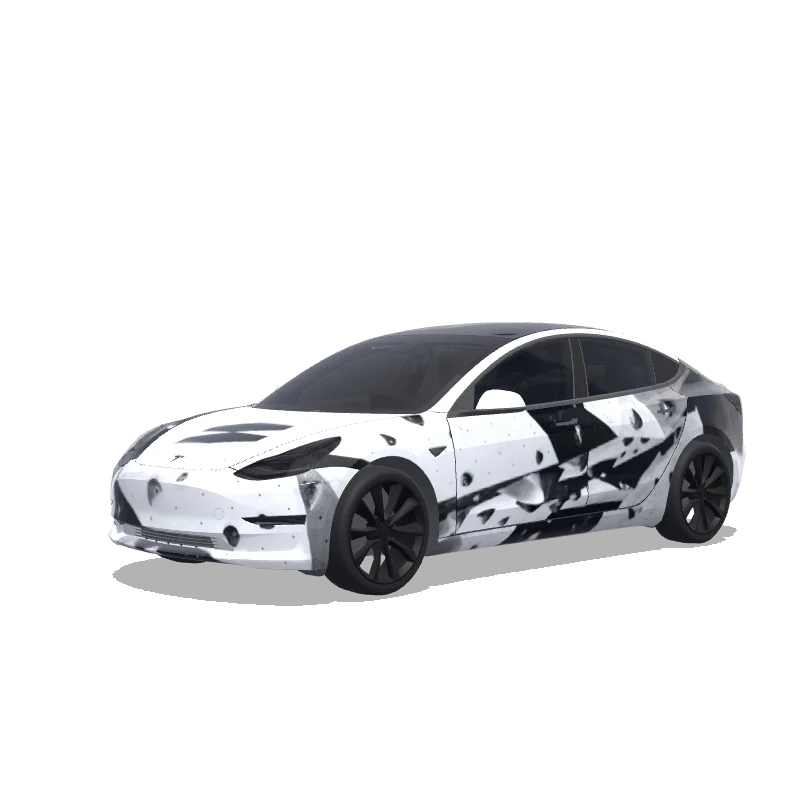
Model 3 Wrap Design

Designed by
Joel Alonso Galán
View AI prompt
AI prompt used on Tesla Wrap Studio
“On the attached reference, there are 2 elements, both referring to the bouldering gym I’m attending - on the top half, there’s a “problem” word, which I’d like to include in this exact font on the rear of the car, somewhere between / slightly above the rear lights of the design. Below the “problem” word on the reference, on the bottom half, there’s a logotype of this bouldering wall. I want to use it in the design - preferably place it on middle of the hood. The overall design of the wrap has to be minimalistic, modern, using the fonts visible on the bottom part of the attached image only. Keep it mostly black and white. Keep it in the bouldering vibe - you can add some structures that would resemble boulders. Do not make the design overly complicated.”
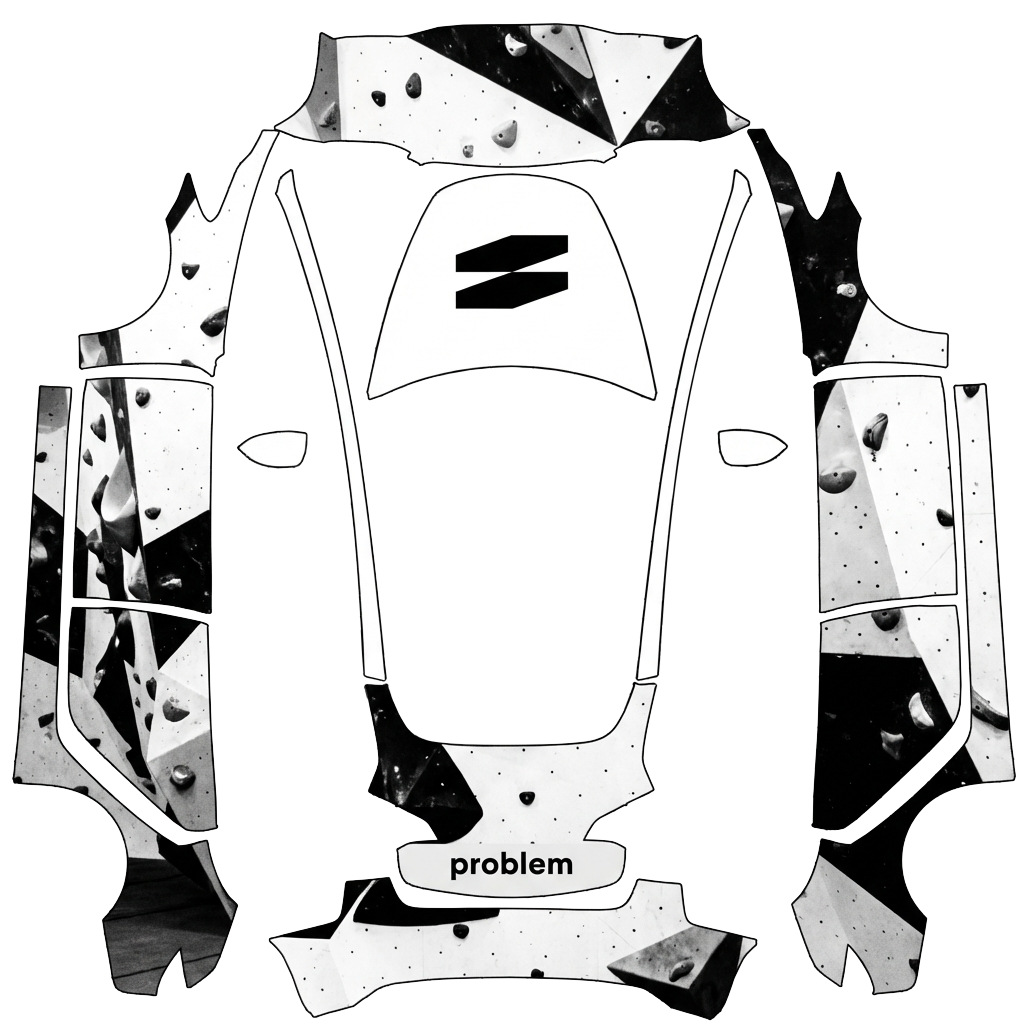
Use in Tesla Paint Shop
Preview this wrap on your Tesla
Download the PNG to see this design on your Tesla screen or in the Tesla app.
Checking file requirements
Tesla Paint Shop file requirements
View Tesla's official file requirementsTesla requirementThis file
Format
Tesla requirementPNG
This fileChecking…
Canvas size
Tesla requirement512–1024 px per side
This fileChecking…
File
Tesla requirement1 MB or less · valid filename
This fileChecking…
Vehicle template
Tesla requirementMatching official template
This fileChecking…
For Tesla Paint Shop's on-screen 3D preview—not for printing or installation.
How to use
Add this wrap to your Tesla
- 01
Download the PNG
Save the Paint Shop-ready PNG to your phone or computer.
- 02
Send it to your Tesla
In Tesla app v4.59.0+: Creations → Wrap → Upload. Or place the PNG in a root-level Wraps folder on a supported USB drive.
- 03
Apply it in Paint Shop
On your Tesla, open Toybox → Paint Shop → Wraps, then choose the design.