Liker: 2Nedlastinger: 55
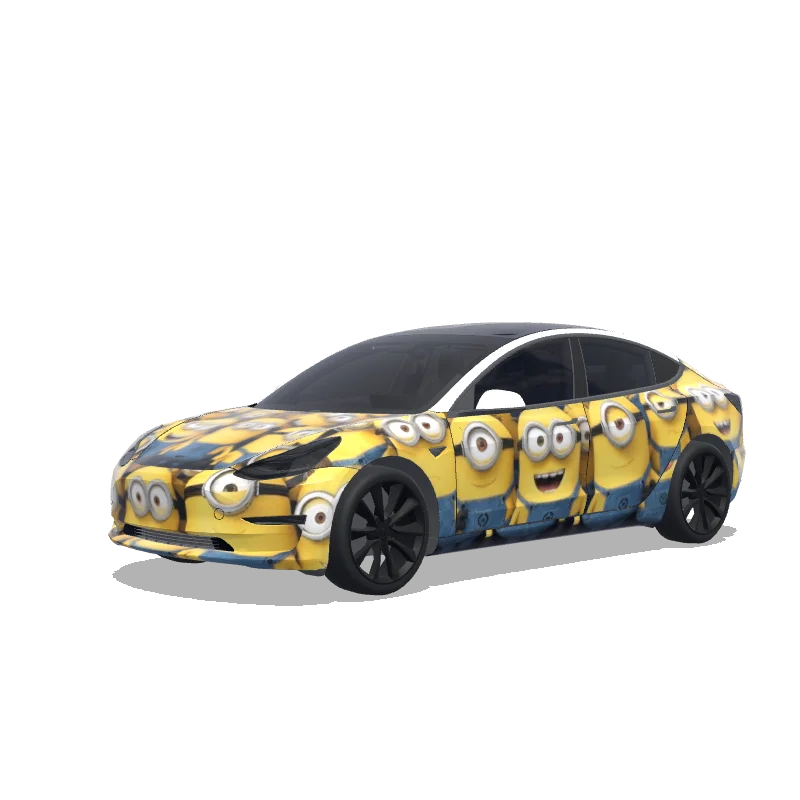
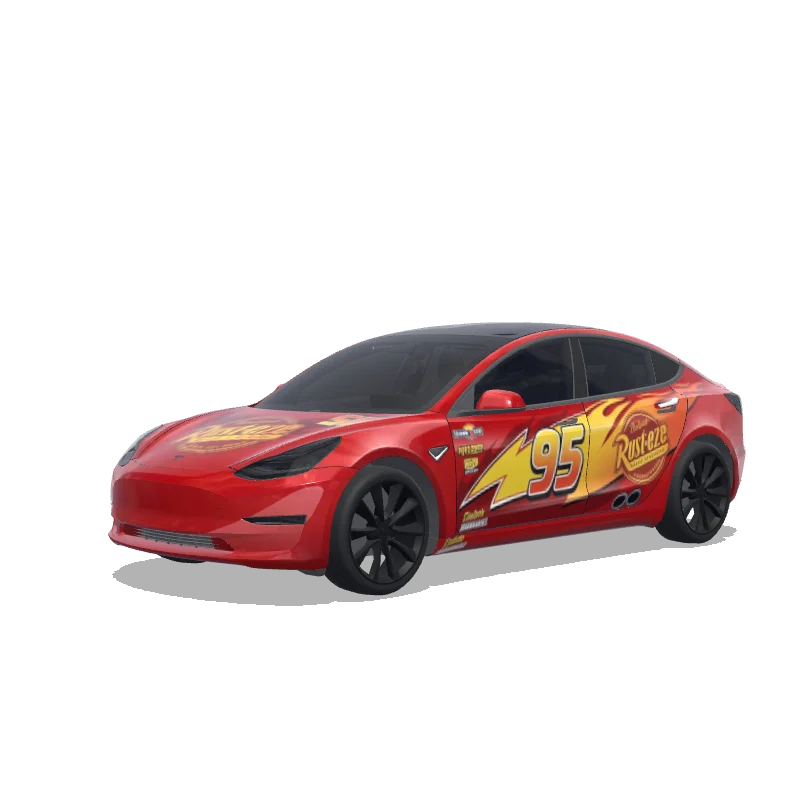
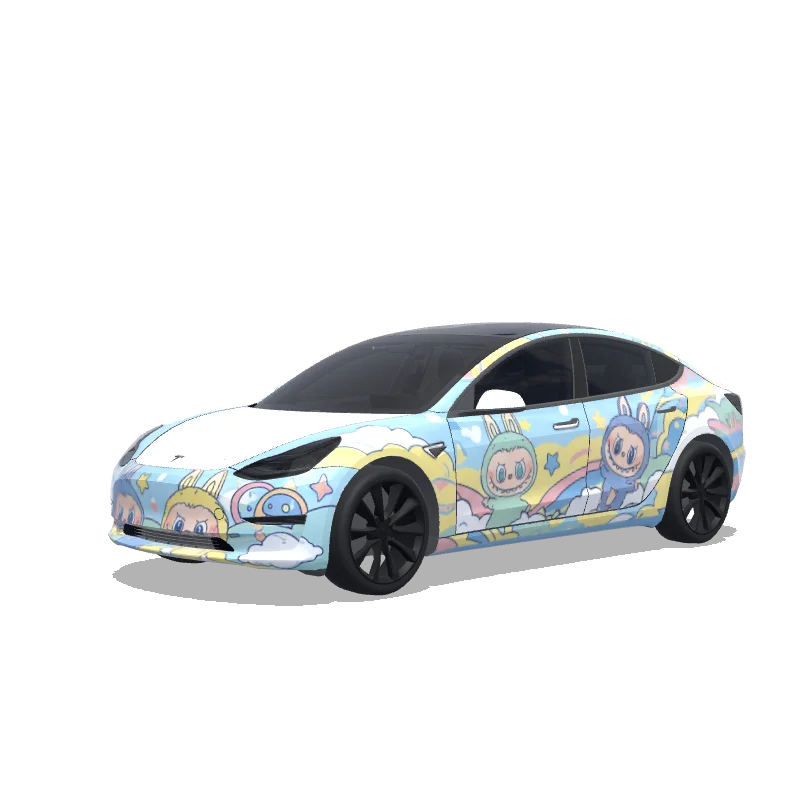
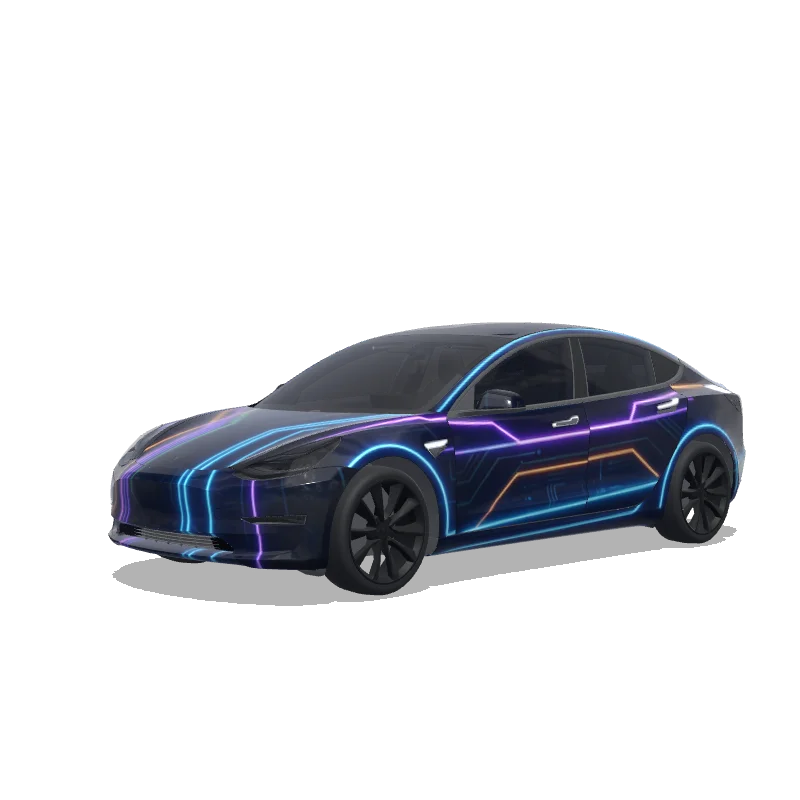
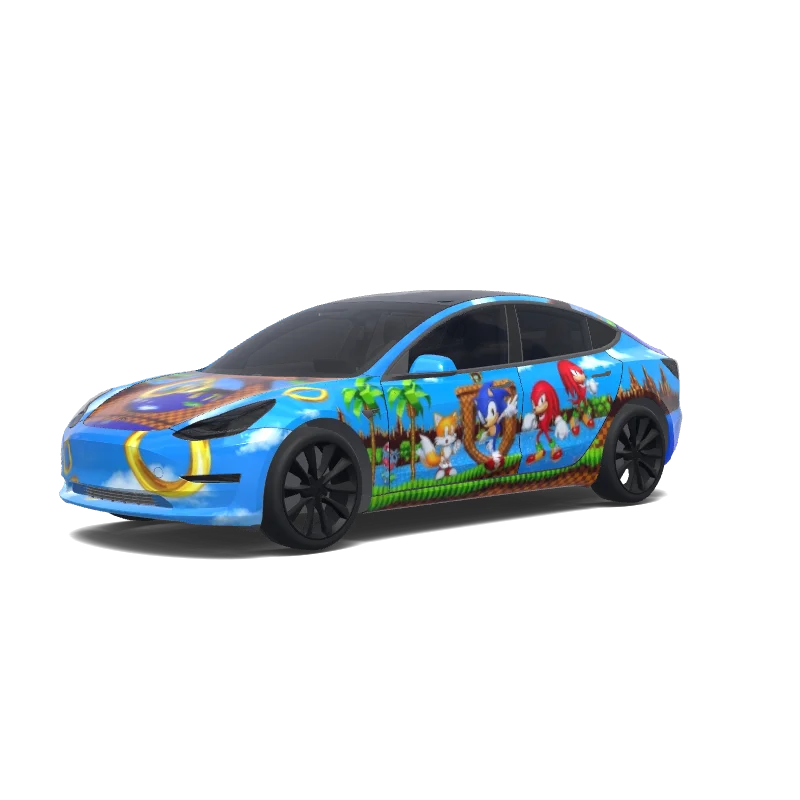
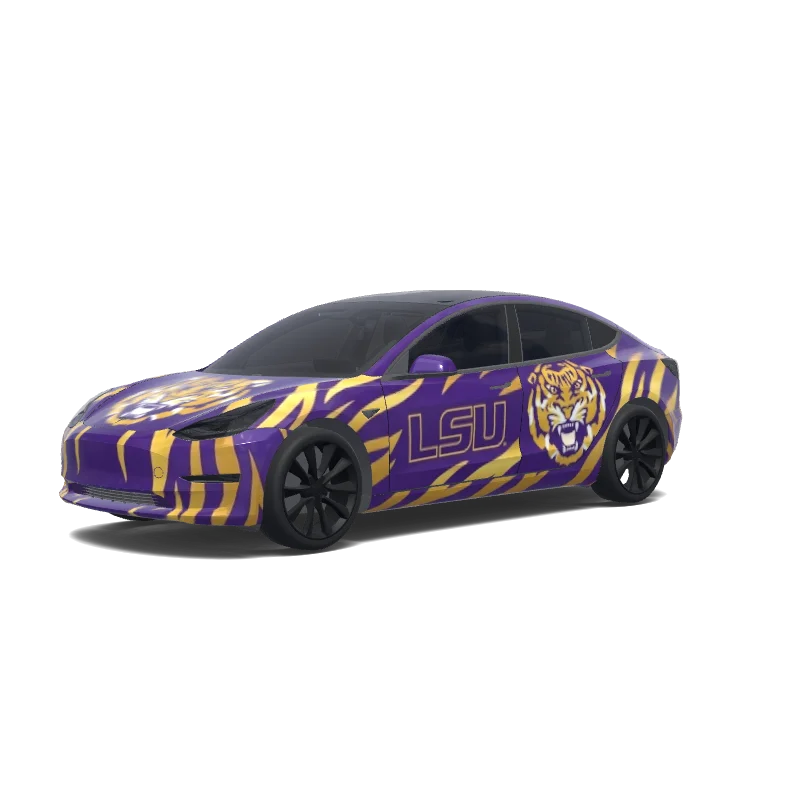
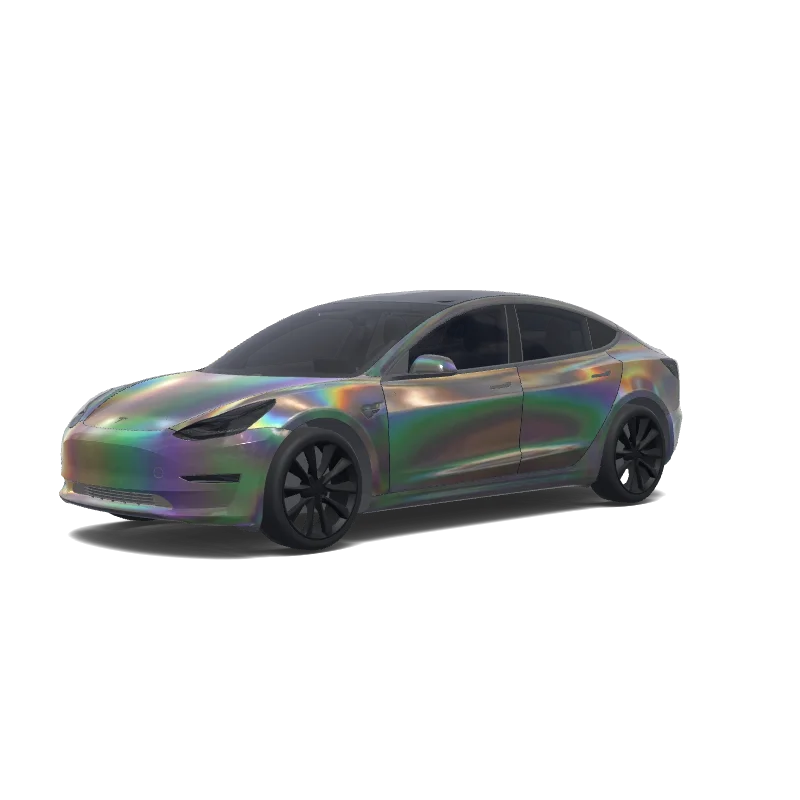
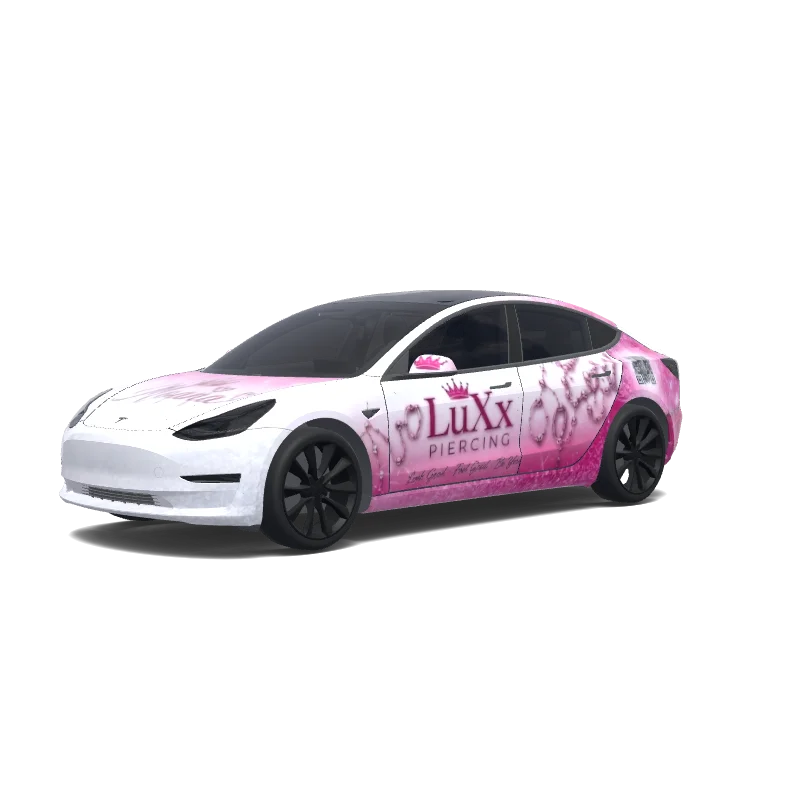
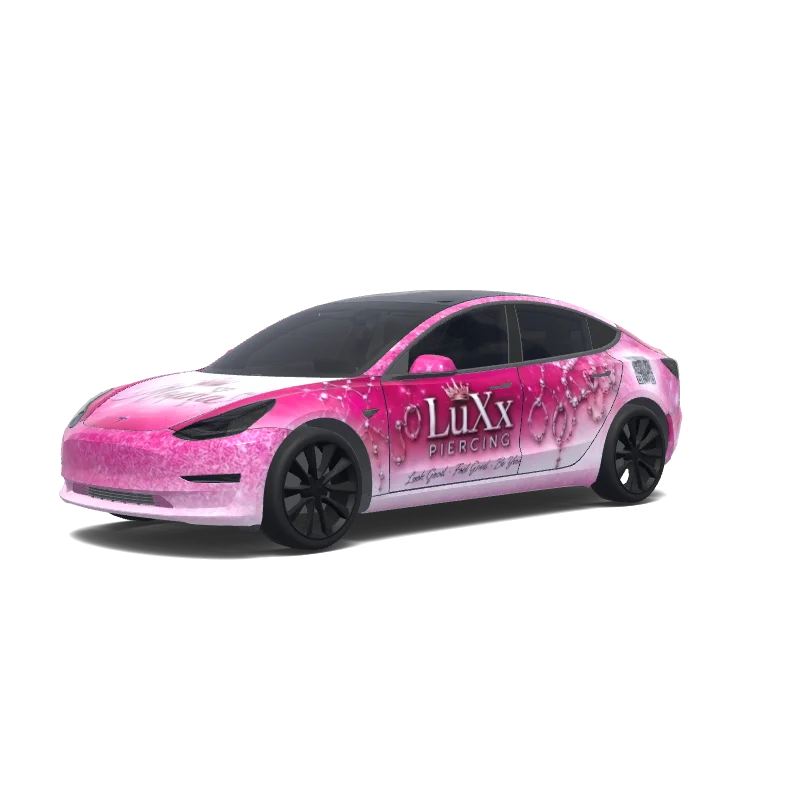
Model 3-folieringsdesign

Designet av
Sekar Elana
Se AI-ledetekst
AI-ledetekst brukt på Tesla Wrap Studio
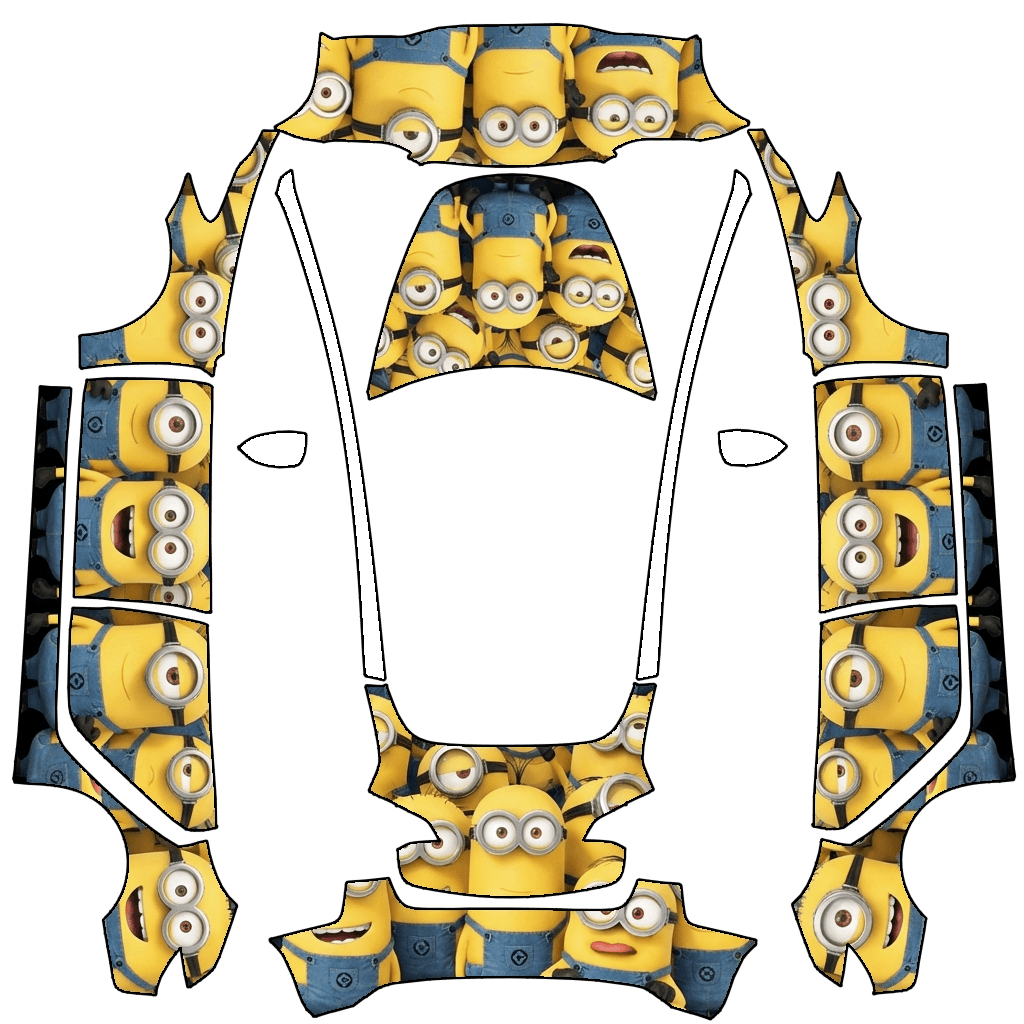
“Design a vehicle wrap by applying the graphic pattern strictly within the white template areas of the originally uploaded template image. The design theme should be defined by MINIONS. All graphics must follow the exact contours, alignment, proportions, and scale of the original template with zero deviation. Do not move, resize, distort, rotate, or crop any part of the template. The design must be perfectly aligned to the original layout and boundaries, matching the uploaded template precisely. No elements are allowed outside the designated white template regions. Do not add any extra text, symbols, logos, or markings unless they are part of MINIONS and remain strictly confined within the template areas.”
Bruk i Tesla Paint Shop
Forhåndsvis dette designet på Teslaen din
Last ned PNG-filen for å se dette designet på Tesla-skjermen eller i Tesla-appen.
Kontrollerer filkrav
Filkrav til Tesla Paint Shop
Se Teslas offisielle filkravTesla-kravDenne filen
Format
Tesla-kravPNG
Denne filenKontrollerer…
Lerretstørrelse
Tesla-krav512–1024 px per side
Denne filenKontrollerer…
Fil
Tesla-kravMaksimalt 1 MB · gyldig filnavn
Denne filenKontrollerer…
Kjøretøymal
Tesla-kravSamsvarende offisiell mal
Denne filenKontrollerer…
Kun for 3D-forhåndsvisning på skjermen i Tesla Paint Shop, ikke for trykk eller montering.
Slik bruker du den
Legg denne wrappen til Teslaen din
- 01
Last ned PNG-en
Lagre den Paint Shop-klare PNG-filen på telefonen eller datamaskinen.
- 02
Send den til Teslaen din
I Tesla-appen v4.59.0+: Creations → Wrap → Upload. Eller legg PNG-filen i en Wraps-mappe på rotnivået til en støttet USB-enhet.
- 03
Bruk den i Paint Shop
Åpne Toybox → Paint Shop → Wraps i Teslaen, og velg designet.