Mi piace: 2Download: 55
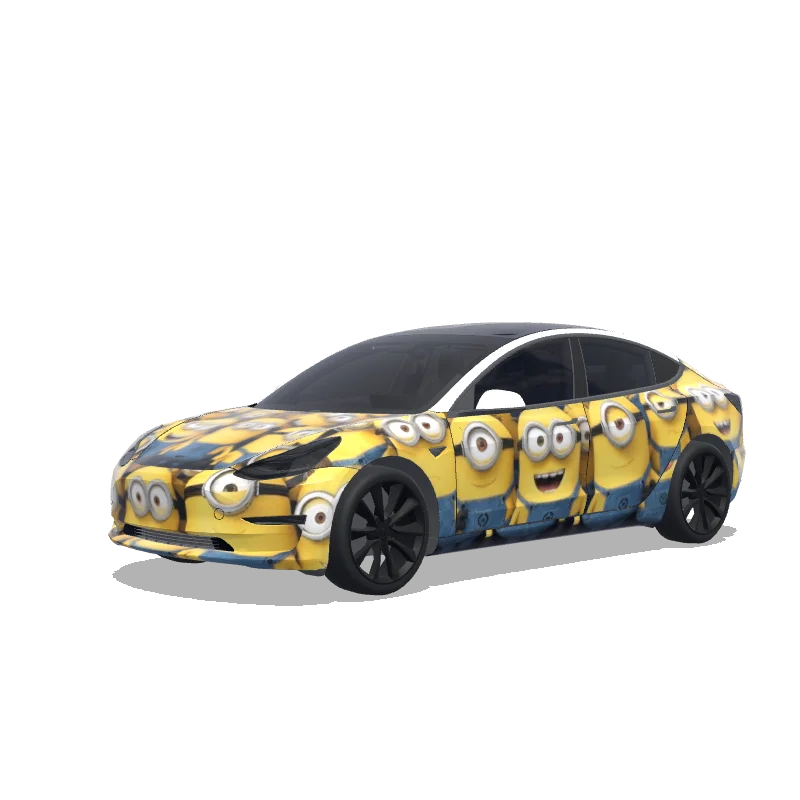
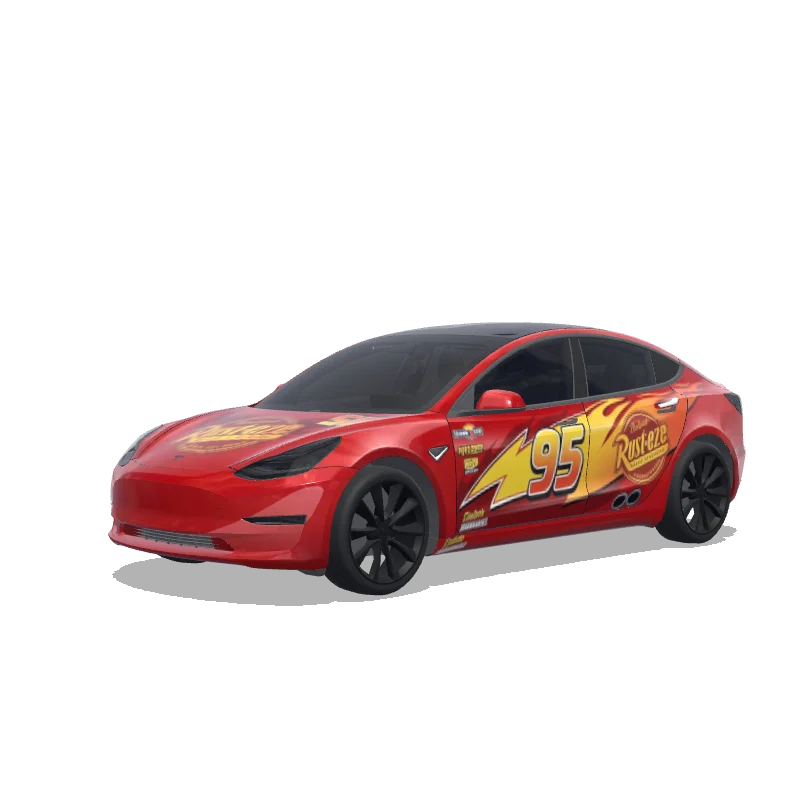
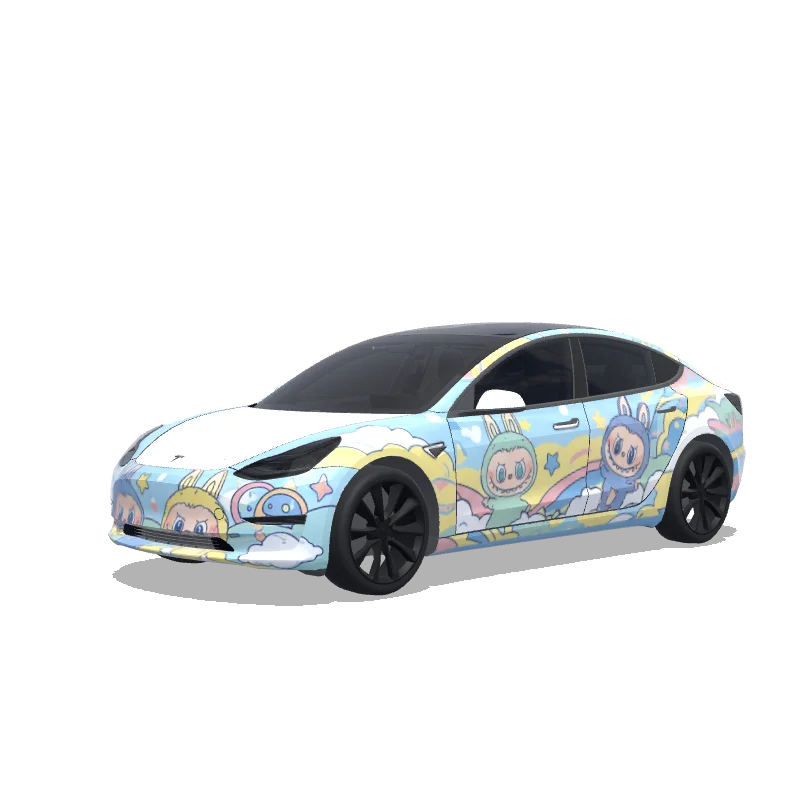
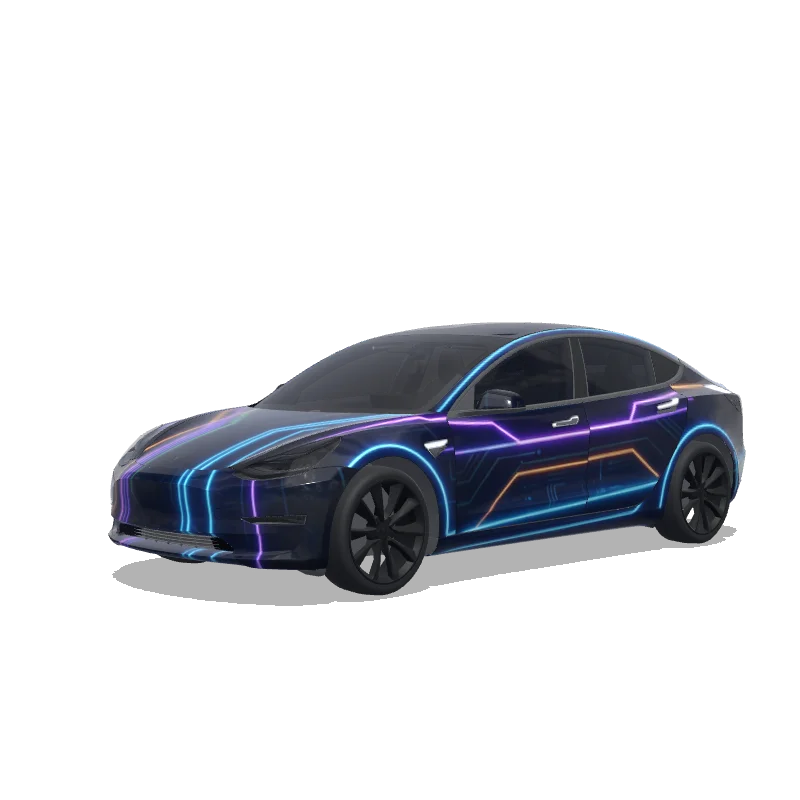
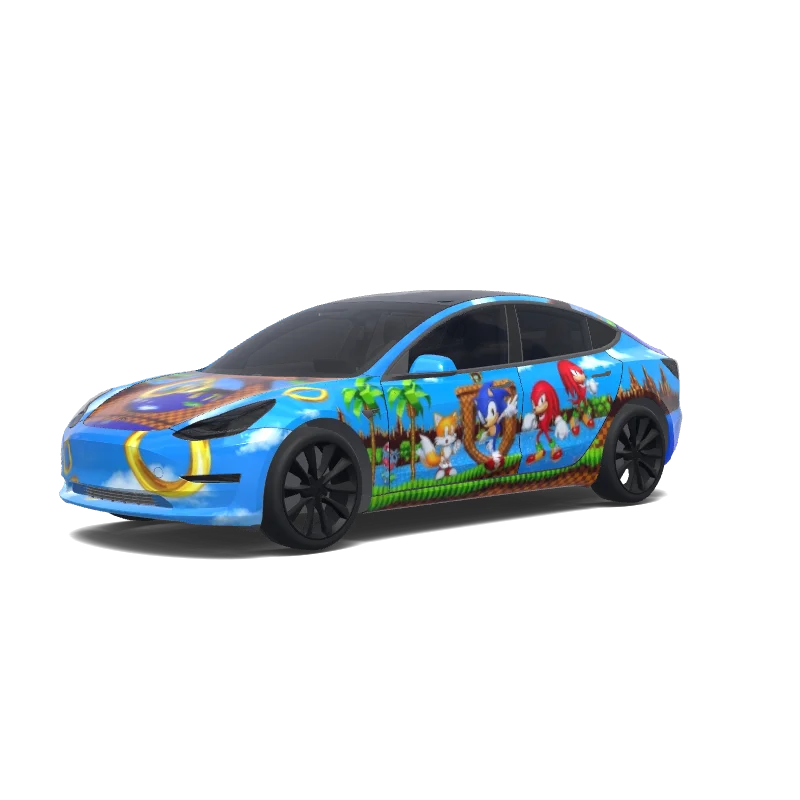
Design di wrapping per Model 3

Progettato da
Sekar Elana
Vedi il prompt AI
Prompt AI usato su Tesla Wrap Studio
“Design a vehicle wrap by applying the graphic pattern strictly within the white template areas of the originally uploaded template image. The design theme should be defined by MINIONS. All graphics must follow the exact contours, alignment, proportions, and scale of the original template with zero deviation. Do not move, resize, distort, rotate, or crop any part of the template. The design must be perfectly aligned to the original layout and boundaries, matching the uploaded template precisely. No elements are allowed outside the designated white template regions. Do not add any extra text, symbols, logos, or markings unless they are part of MINIONS and remain strictly confined within the template areas.”
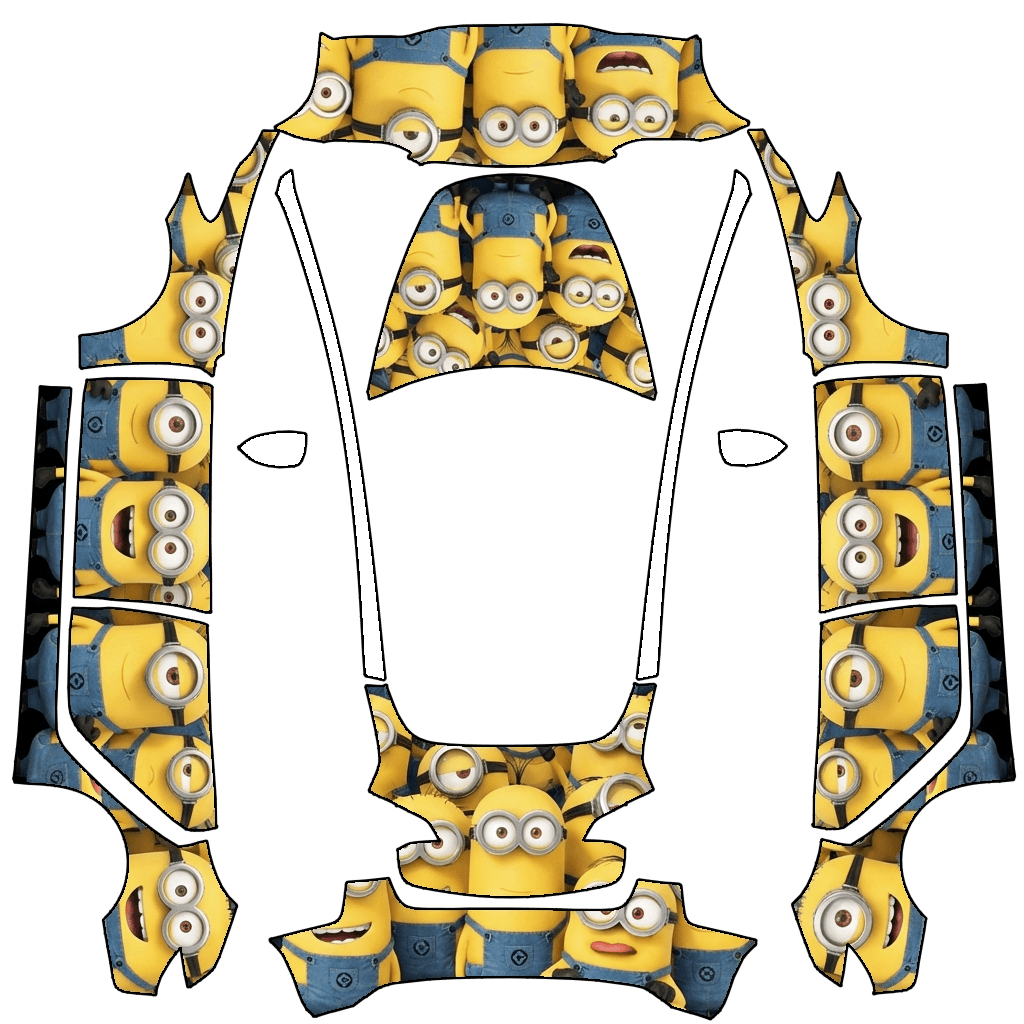
Usa in Tesla Paint Shop
Visualizza questo design sulla tua Tesla
Scarica il PNG per vedere questo design sullo schermo della tua Tesla o nell’app Tesla.
Verifica dei requisiti del file
Requisiti dei file di Tesla Paint Shop
Vedi i requisiti file ufficiali TeslaRequisito TeslaQuesto file
Formato
Requisito TeslaPNG
Questo fileVerifica in corso…
Dimensioni tela
Requisito Tesla512–1024 px per lato
Questo fileVerifica in corso…
File
Requisito Tesla1 MB o meno · nome file valido
Questo fileVerifica in corso…
Modello veicolo
Requisito TeslaModello ufficiale corrispondente
Questo fileVerifica in corso…
Solo per l'anteprima 3D su schermo in Tesla Paint Shop, non per la stampa o l'installazione.
Come usarlo
Aggiungi questo wrap alla tua Tesla
- 01
Scarica il PNG
Salva il PNG compatibile con Paint Shop sul telefono o sul computer.
- 02
Invialo alla tua Tesla
Nell’app Tesla v4.59.0+: Creations → Wrap → Upload. Oppure inserisci il PNG in una cartella Wraps nella directory principale di un’unità USB supportata.
- 03
Applicalo in Paint Shop
Sulla tua Tesla, apri Toybox → Paint Shop → Wraps e scegli il design.