Likes: 2Downloads: 55
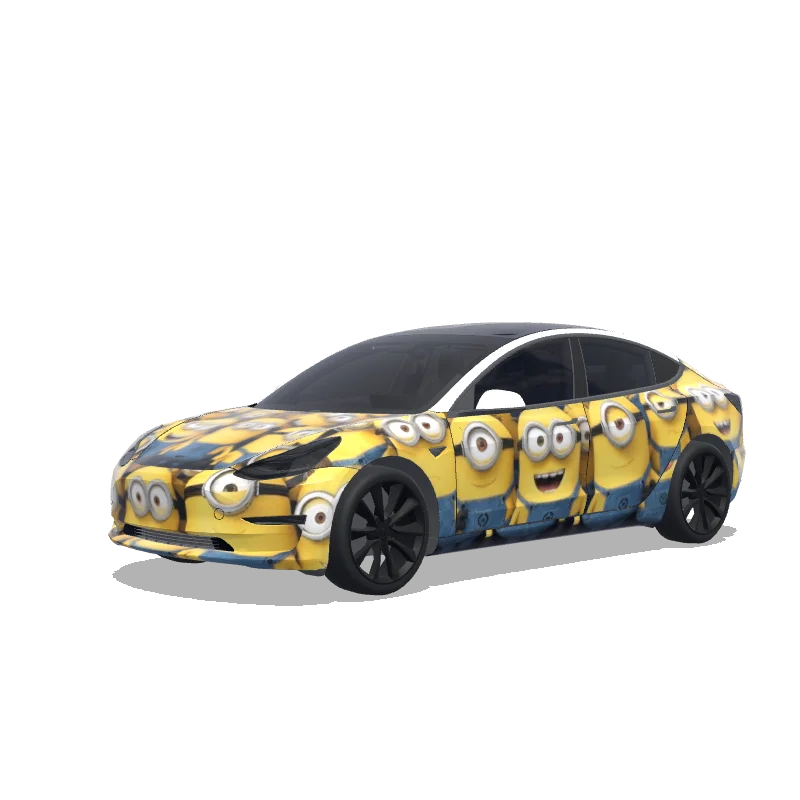
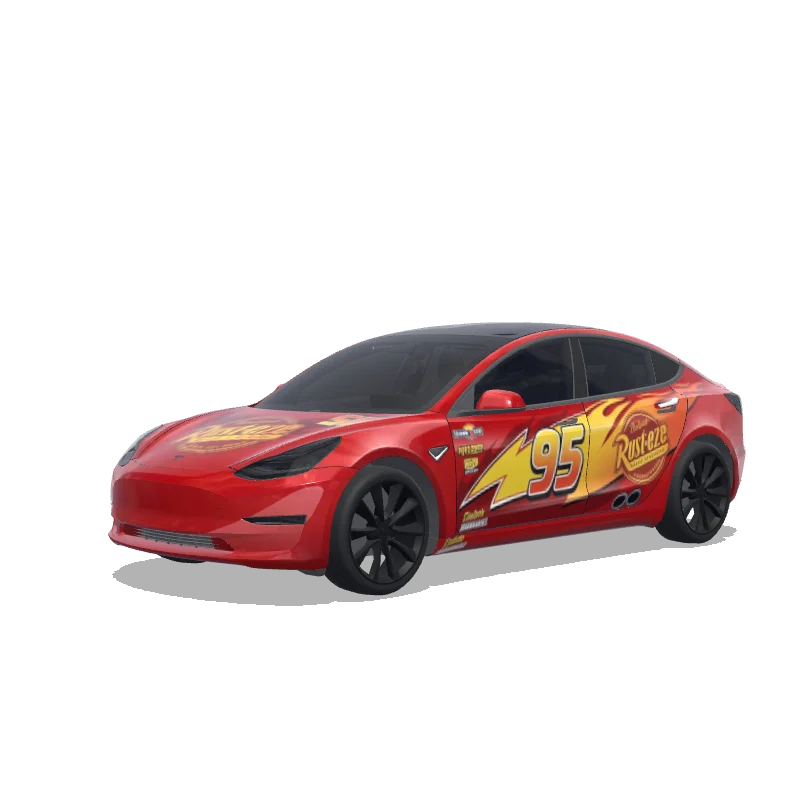
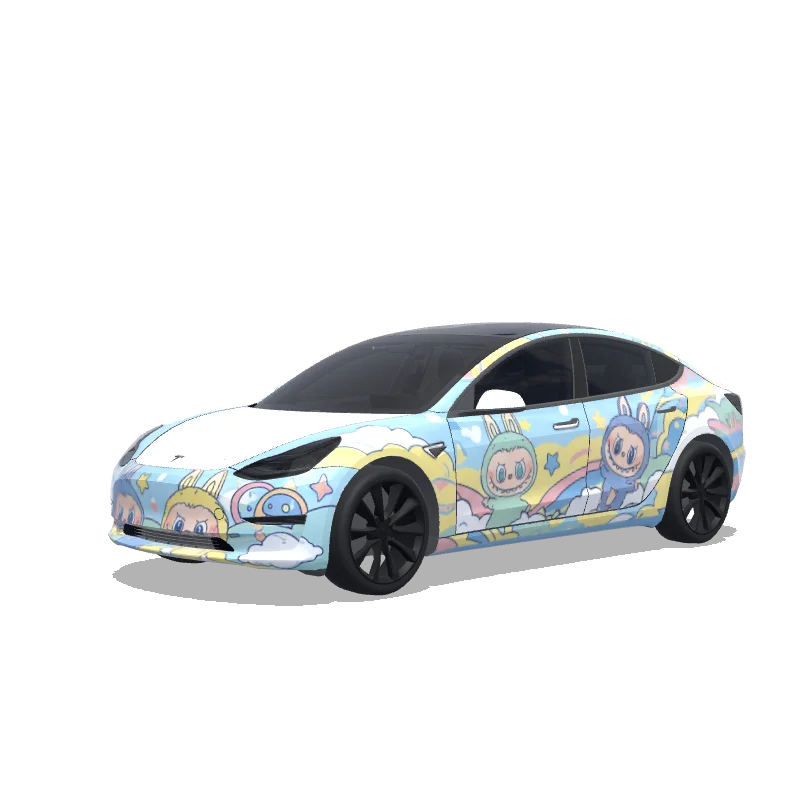
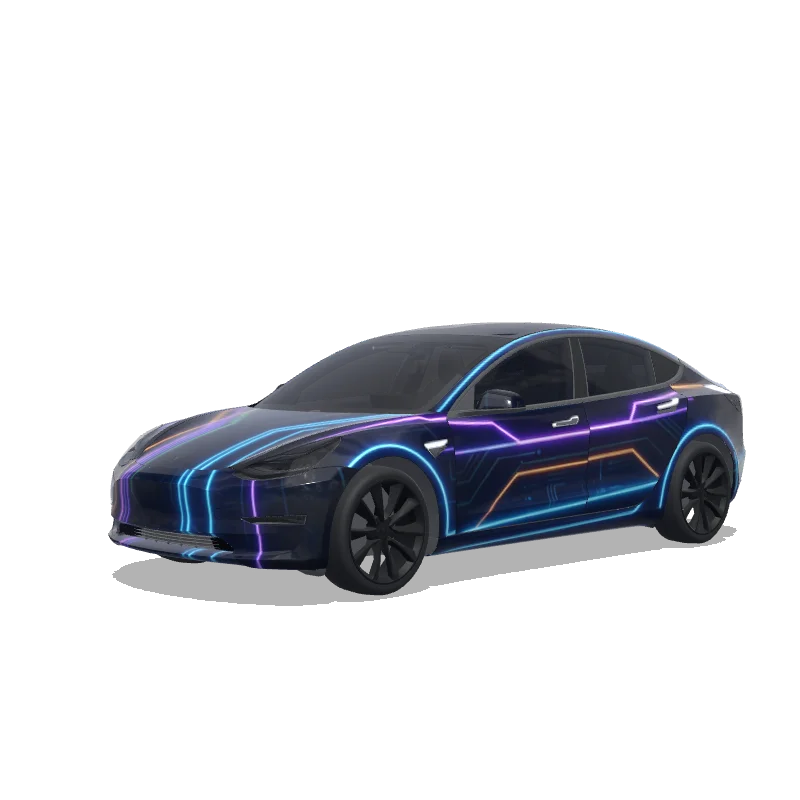
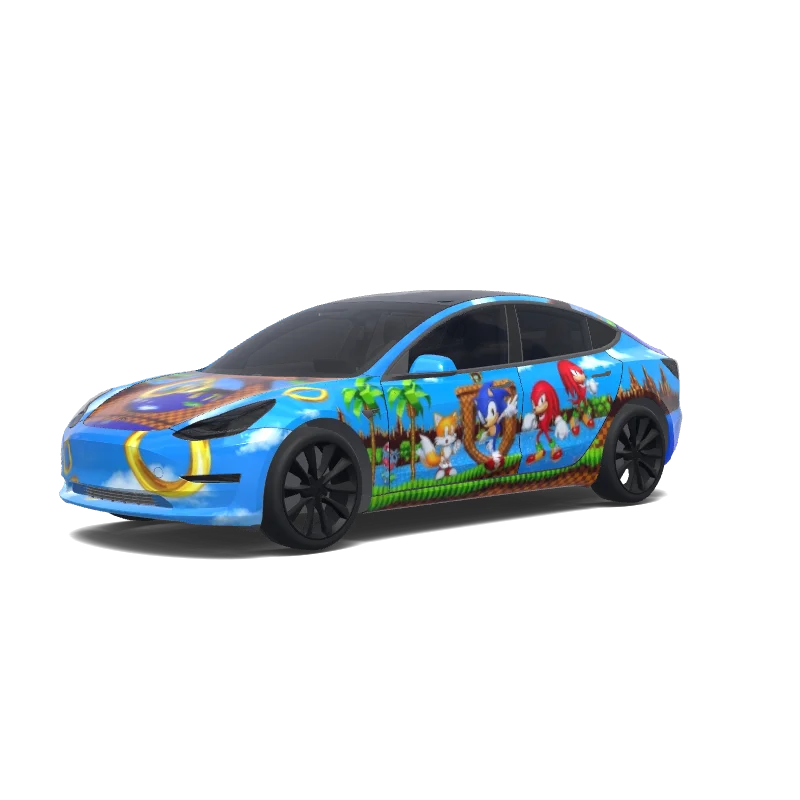
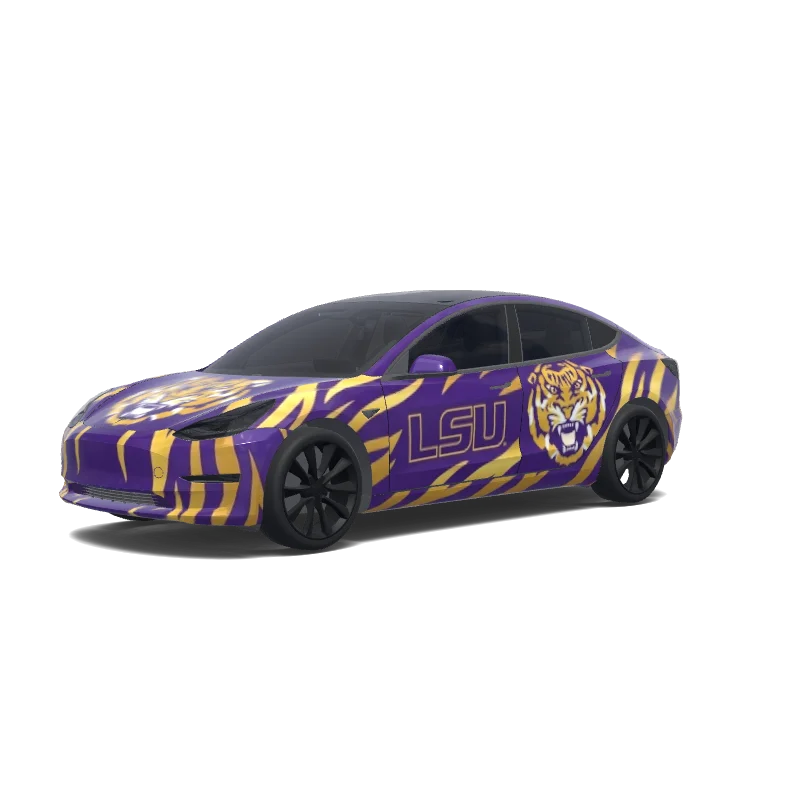
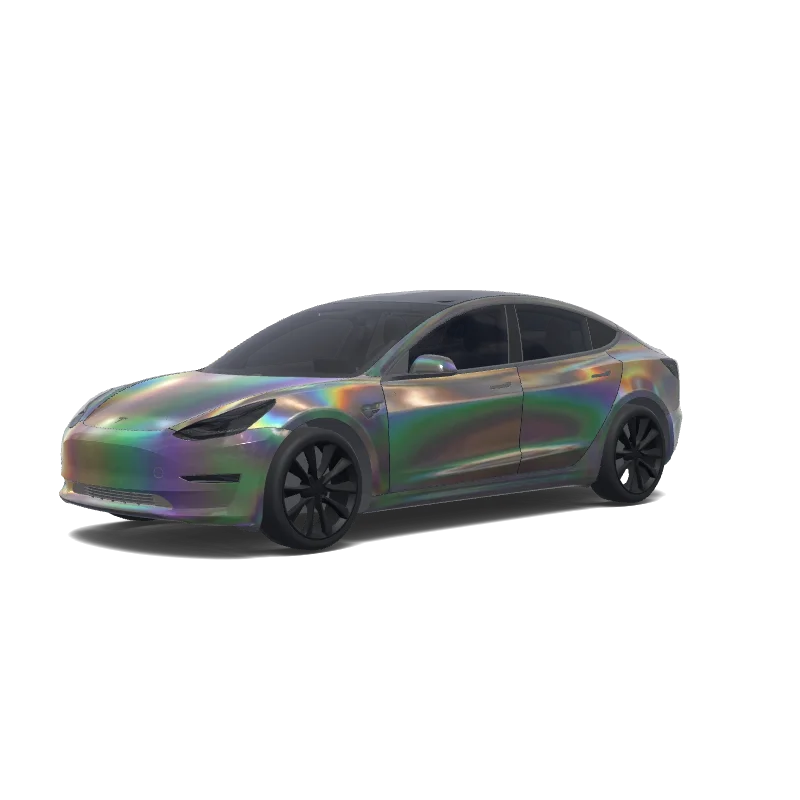
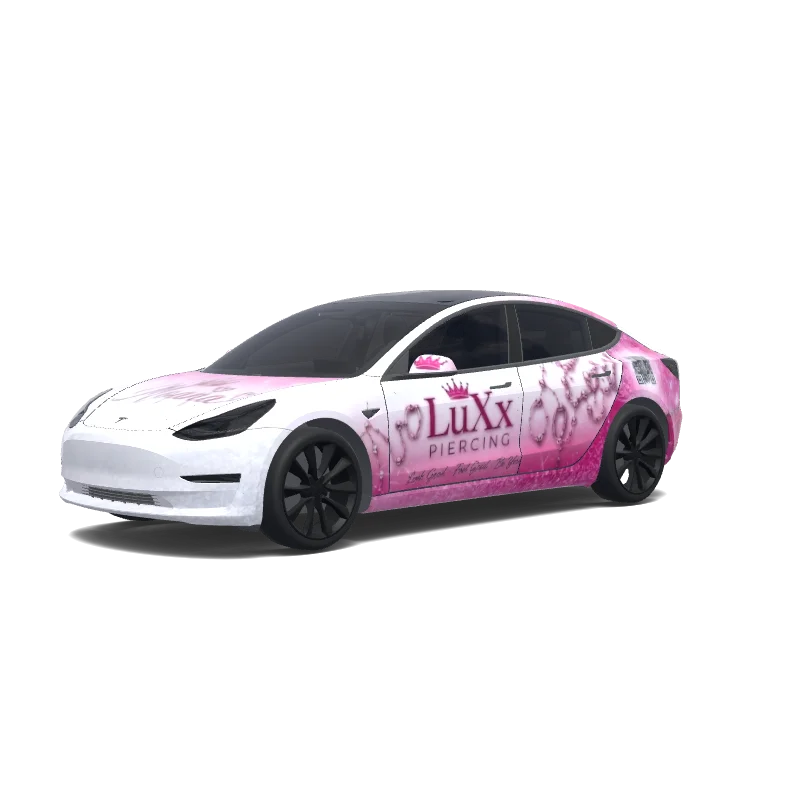
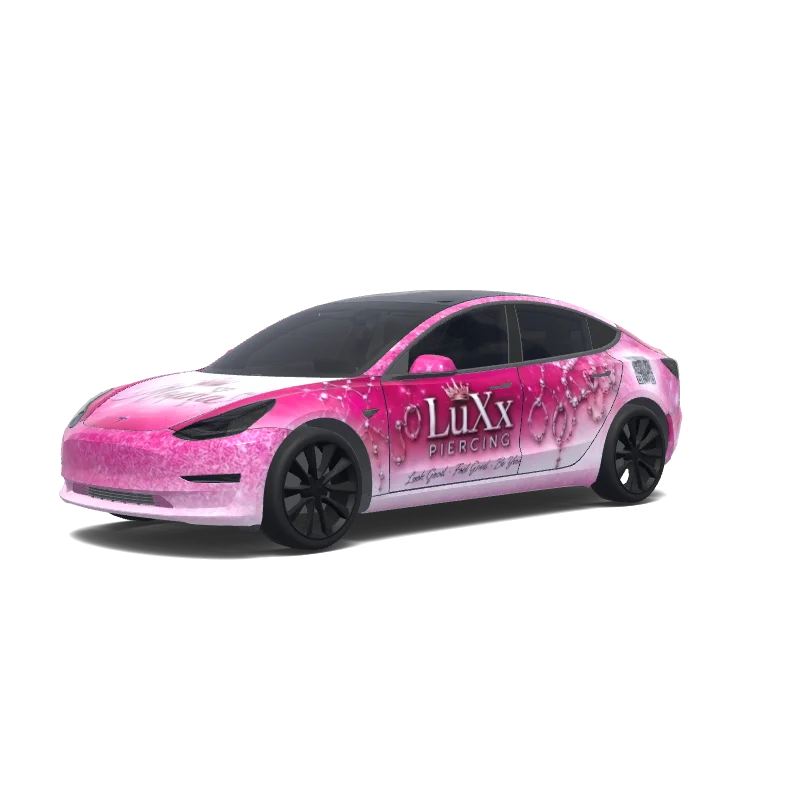
Model 3 Folierungsdesign

Designt von
Sekar Elana
KI-Prompt anzeigen
KI-Prompt verwendet im Tesla Wrap Studio
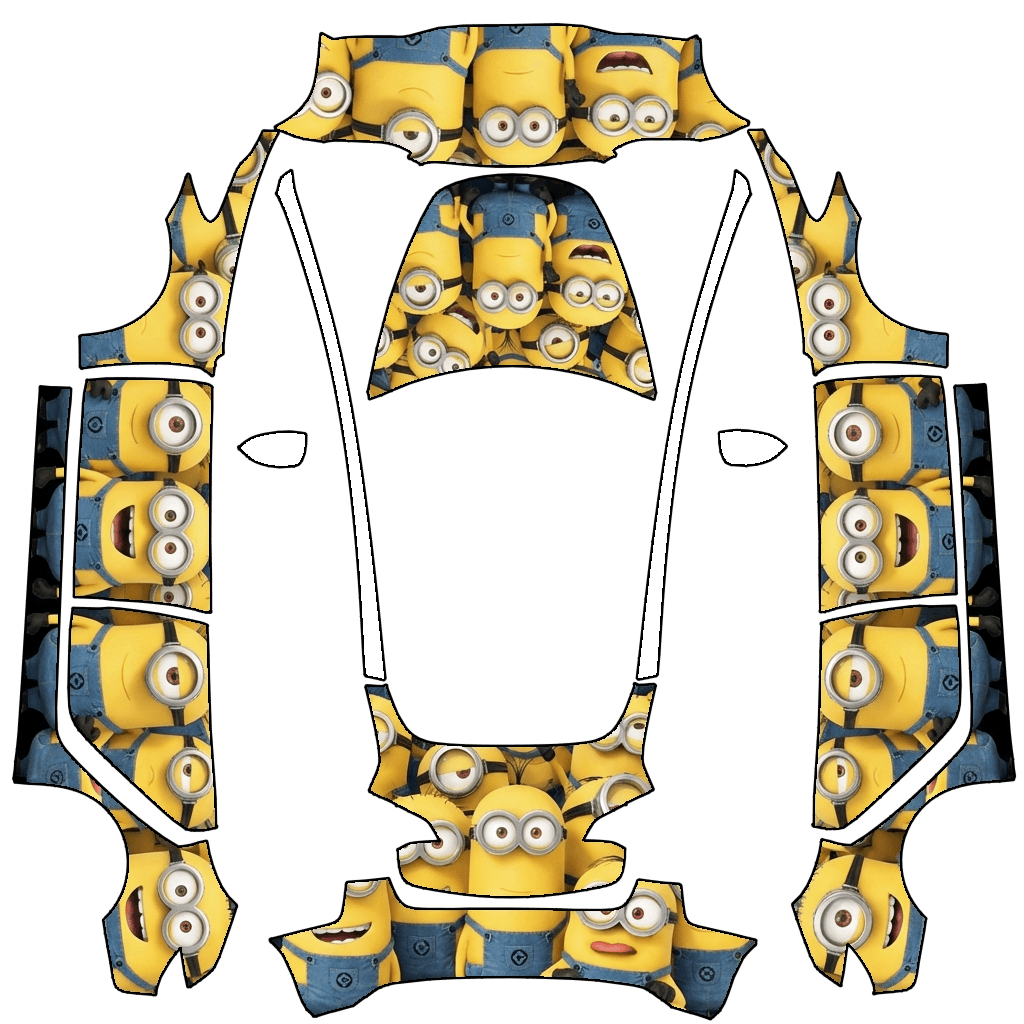
“Design a vehicle wrap by applying the graphic pattern strictly within the white template areas of the originally uploaded template image. The design theme should be defined by MINIONS. All graphics must follow the exact contours, alignment, proportions, and scale of the original template with zero deviation. Do not move, resize, distort, rotate, or crop any part of the template. The design must be perfectly aligned to the original layout and boundaries, matching the uploaded template precisely. No elements are allowed outside the designated white template regions. Do not add any extra text, symbols, logos, or markings unless they are part of MINIONS and remain strictly confined within the template areas.”
In Tesla Paint Shop verwenden
Dieses Design auf deinem Tesla ansehen
Lade die PNG-Datei herunter, um dieses Design auf dem Tesla-Display oder in der Tesla App anzusehen.
Dateianforderungen werden geprüft
Dateianforderungen für Tesla Paint Shop
Offizielle Dateianforderungen von Tesla ansehenTesla-AnforderungDiese Datei
Format
Tesla-AnforderungPNG
Diese DateiWird geprüft…
Arbeitsfläche
Tesla-Anforderung512–1024 px je Seite
Diese DateiWird geprüft…
Datei
Tesla-AnforderungMaximal 1 MB · gültiger Dateiname
Diese DateiWird geprüft…
Fahrzeugvorlage
Tesla-AnforderungPassende offizielle Vorlage
Diese DateiWird geprüft…
Nur für die 3D-Bildschirmvorschau in Tesla Paint Shop – nicht für Druck oder Folierung.
So funktioniert’s
Füge diese Folierung deinem Tesla hinzu
- 01
PNG herunterladen
Speichere die Paint Shop-kompatible PNG-Datei auf deinem Smartphone oder Computer.
- 02
An deinen Tesla senden
In der Tesla App ab v4.59.0: Creations → Wrap → Upload. Oder lege die PNG-Datei im Stammordner Wraps eines unterstützten USB-Sticks ab.
- 03
In Paint Shop anwenden
Öffne in deinem Tesla Toybox → Paint Shop → Wraps und wähle das Design aus.