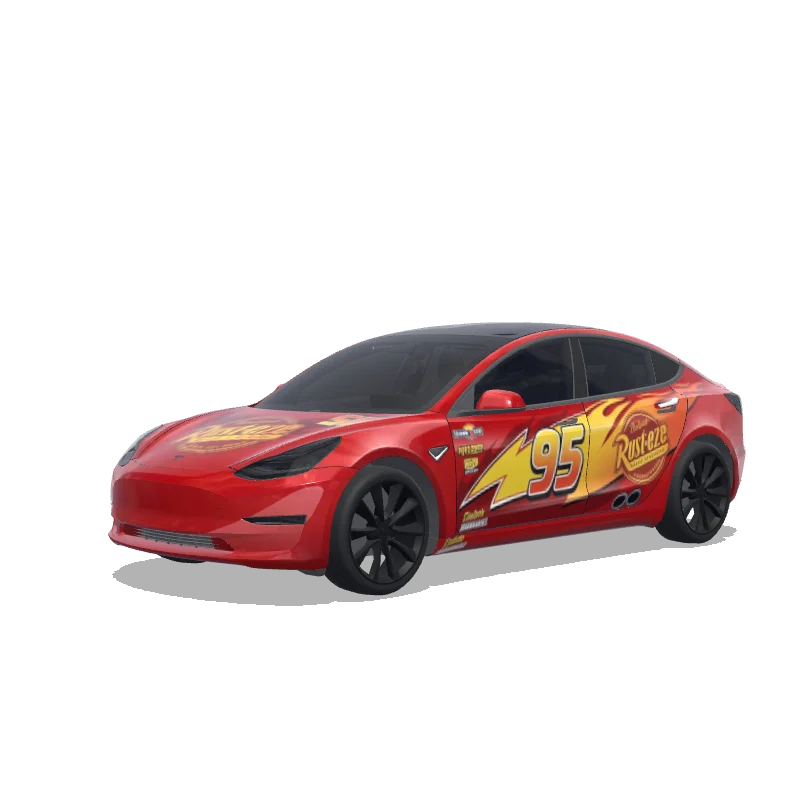
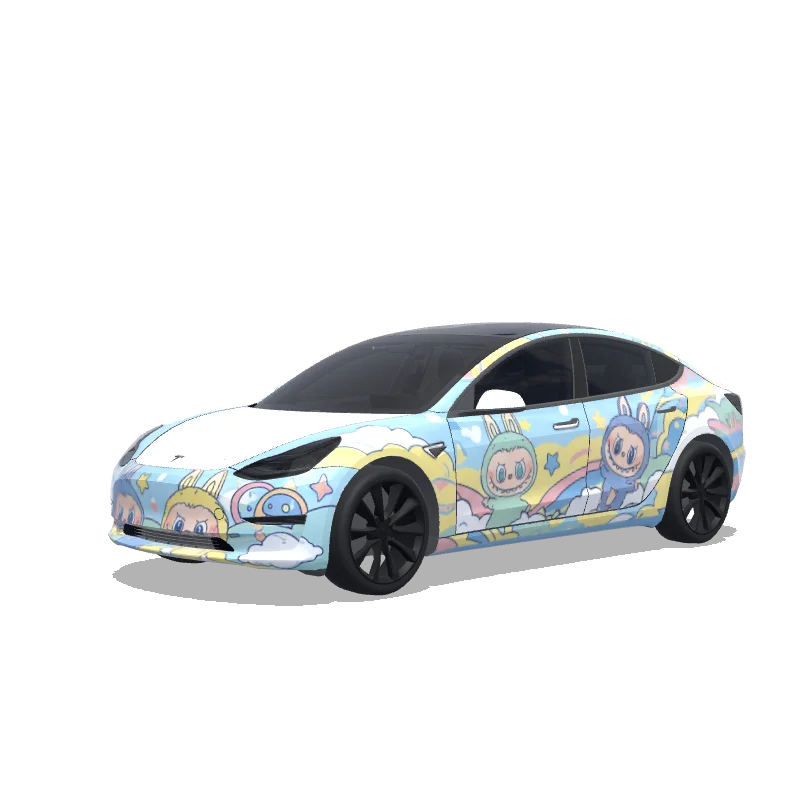
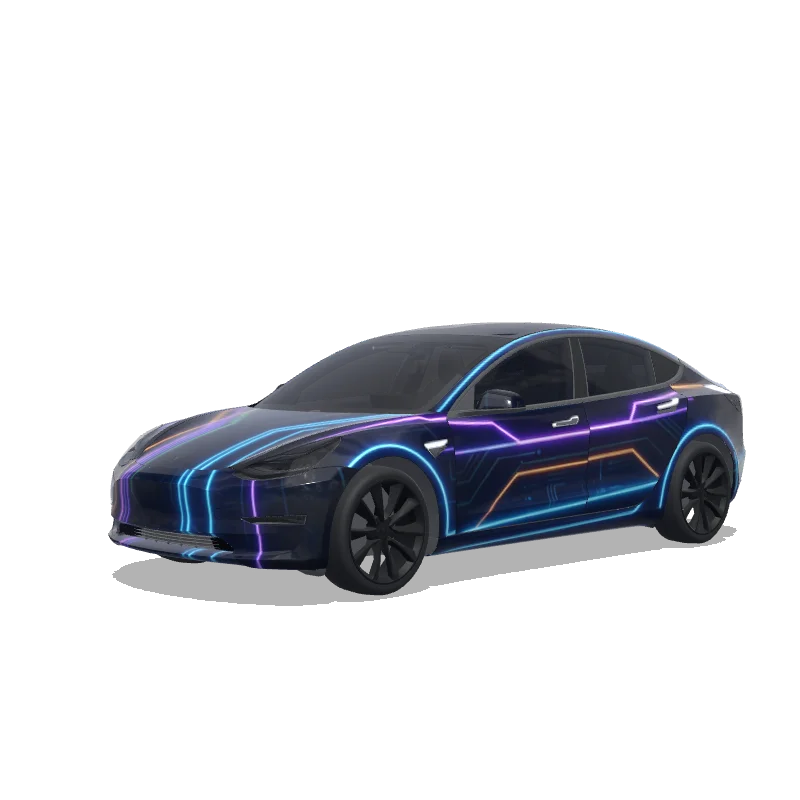
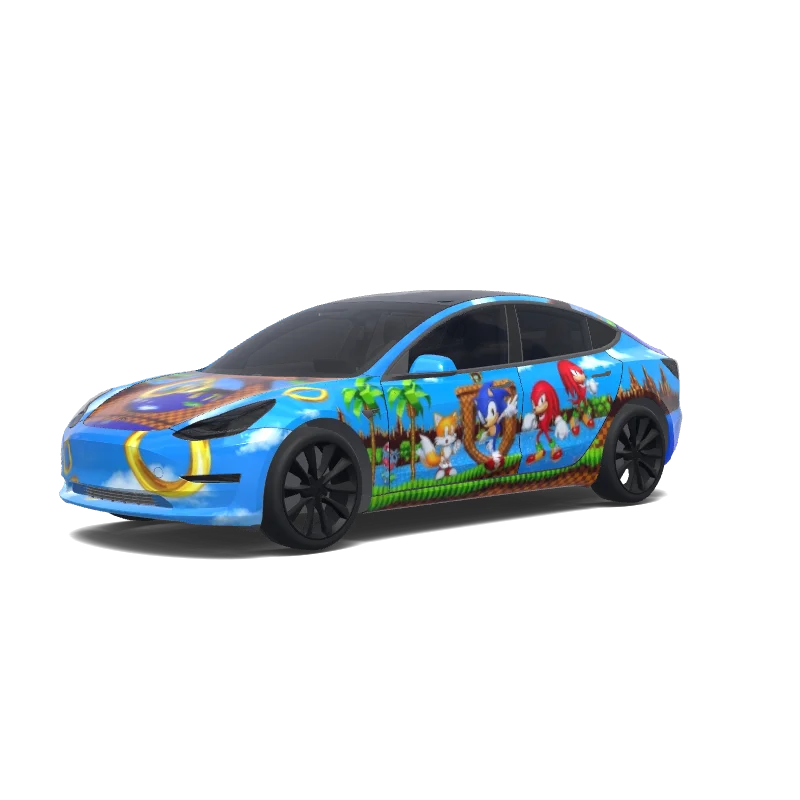
Likes: 2Downloads: 55
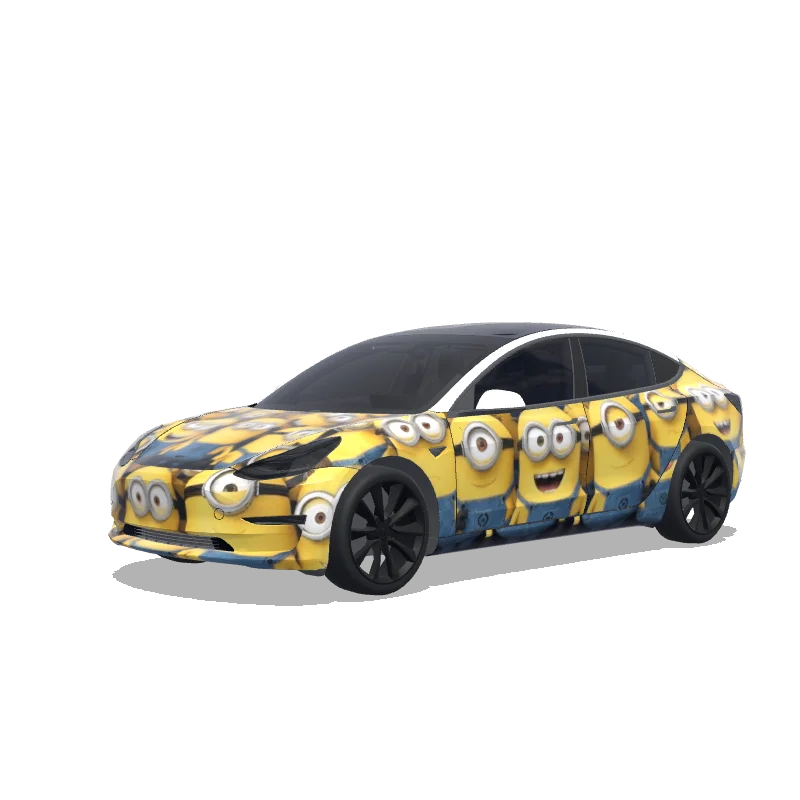
Wrapdesign voor Model 3

Ontworpen door
Sekar Elana
Bekijk AI-prompt
AI-prompt gebruikt op Tesla Wrap Studio
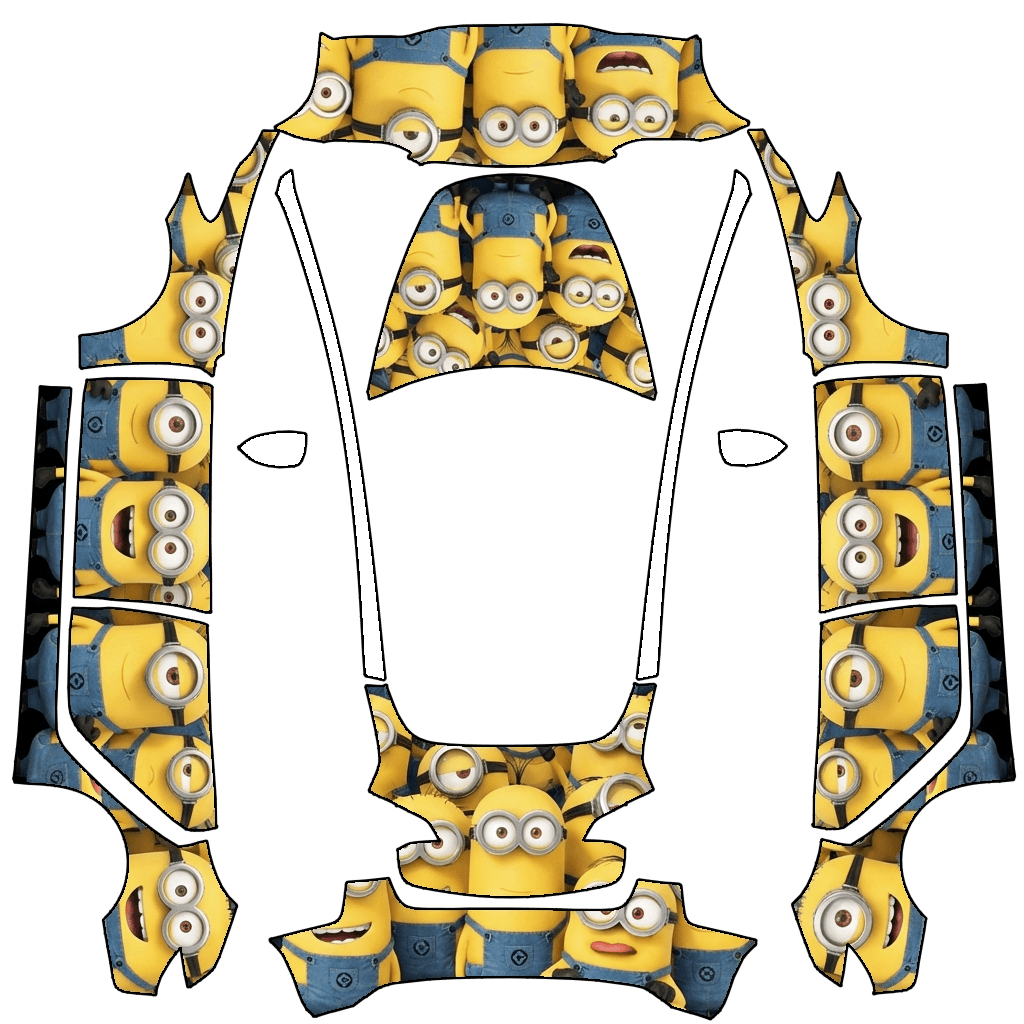
“Design a vehicle wrap by applying the graphic pattern strictly within the white template areas of the originally uploaded template image. The design theme should be defined by MINIONS. All graphics must follow the exact contours, alignment, proportions, and scale of the original template with zero deviation. Do not move, resize, distort, rotate, or crop any part of the template. The design must be perfectly aligned to the original layout and boundaries, matching the uploaded template precisely. No elements are allowed outside the designated white template regions. Do not add any extra text, symbols, logos, or markings unless they are part of MINIONS and remain strictly confined within the template areas.”
Gebruiken in Tesla Paint Shop
Bekijk dit ontwerp op je Tesla
Download de PNG om dit ontwerp op het scherm van je Tesla of in de Tesla-app te bekijken.
Bestandsvereisten controleren
Bestandsvereisten voor Tesla Paint Shop
Bekijk de officiële Tesla-bestandseisenTesla-eisDit bestand
Formaat
Tesla-eisPNG
Dit bestandControleren…
Canvasformaat
Tesla-eis512–1024 px per zijde
Dit bestandControleren…
Bestand
Tesla-eisMaximaal 1 MB · geldige bestandsnaam
Dit bestandControleren…
Voertuigtemplate
Tesla-eisOvereenkomende officiële template
Dit bestandControleren…
Alleen voor de 3D-voorvertoning op het scherm in Tesla Paint Shop, niet voor printen of montage.
Zo gebruik je het
Voeg deze wrap toe aan je Tesla
- 01
Download de PNG
Sla de Paint Shop-klare PNG op je telefoon of computer op.
- 02
Stuur hem naar je Tesla
In de Tesla-app v4.59.0+: Creations → Wrap → Upload. Of plaats de PNG in een map Wraps in de hoofdmap van een ondersteunde USB-stick.
- 03
Pas hem toe in Paint Shop
Open op je Tesla Toybox → Paint Shop → Wraps en kies het ontwerp.