J'aime: 2Téléchargements: 6
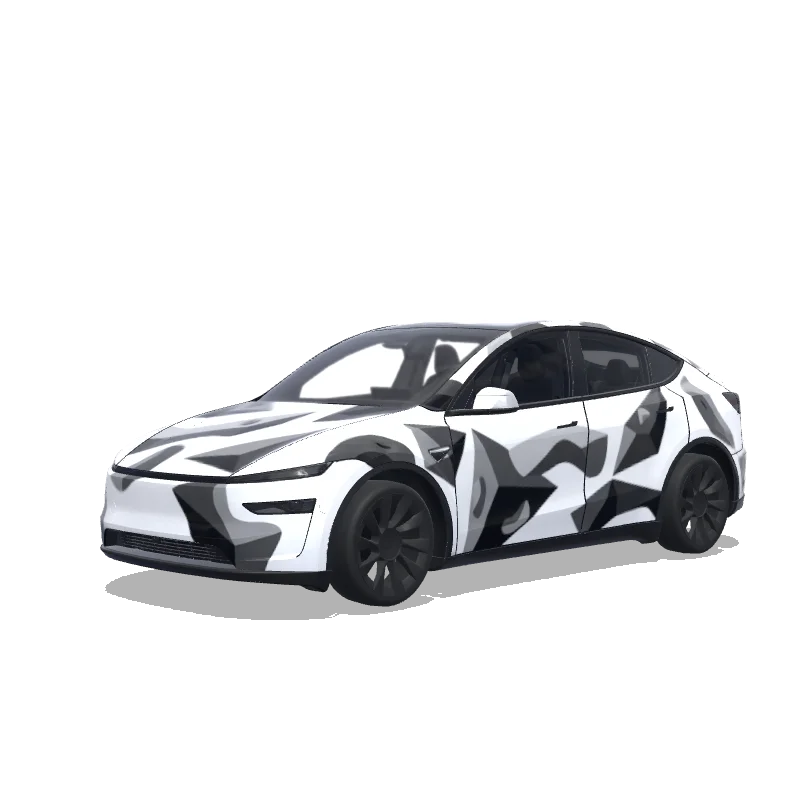
Design de covering pour Model Y
2025+ · Premium

Conçu par
Simran
Voir le prompt IA
Prompt IA utilisé sur Tesla Wrap Studio
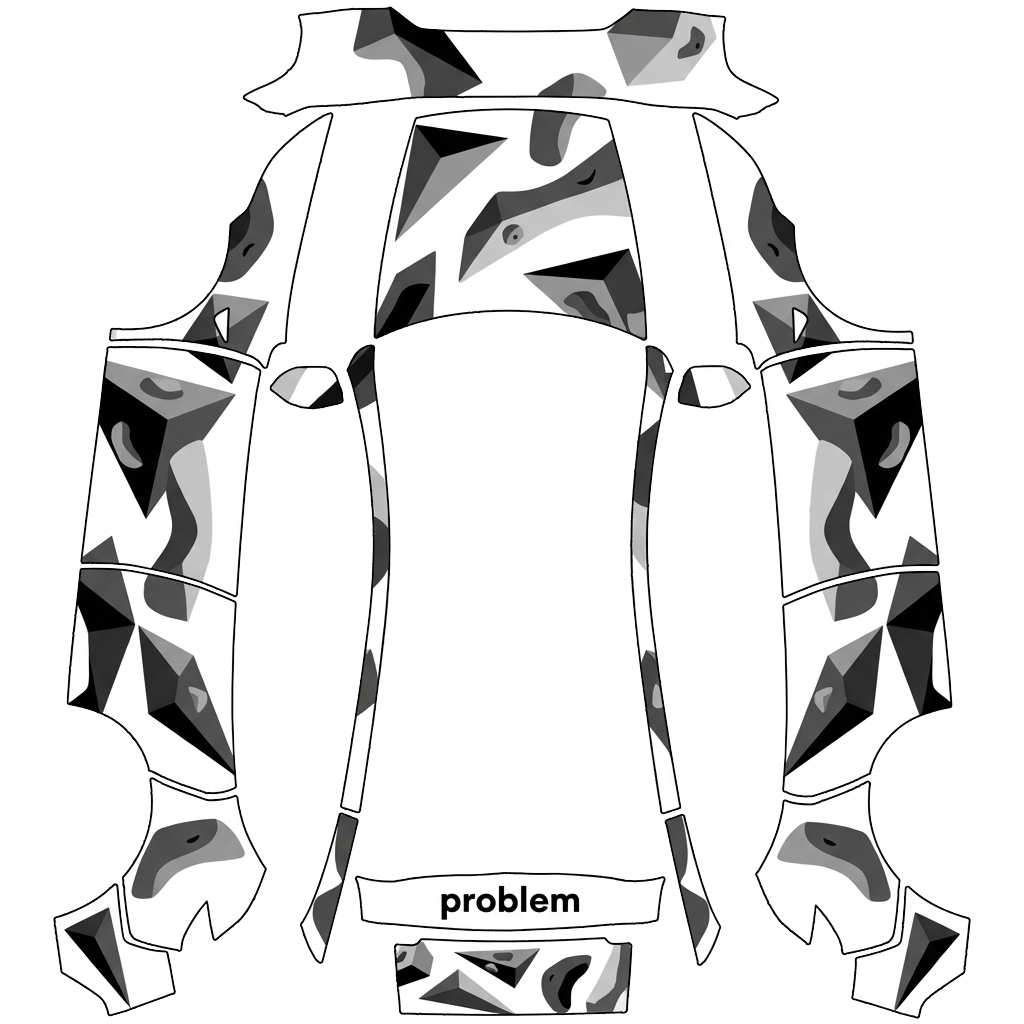
“On the attached reference, there are 2 elements, both referring to the bouldering gym I’m attending - at the top, there’s a “problem” word, which I’d like to include in this exact font on the rear of the car - not where the registration plate would land, but rather above it. Make it fit to the overall design of the app and lay among the boulder structures (that I’ll describe below in a minute). Right below the “problem” word on the reference, there’s a logotype of this bouldering wall. I want to use it in the design - preferably place it on middle of the hood. The overall design of the wrap has to be minimalistic, modern, only depicting structures that resemble bouldering holds (that I’ve mentioned before), apart of the two elements sourced from the reference image. Keep it black and white. Do not make the design overly complicated.”
Utiliser dans Tesla Paint Shop
Prévisualisez ce design sur votre Tesla
Téléchargez le PNG pour voir ce design sur l’écran de votre Tesla ou dans l’application Tesla.
Vérification des exigences du fichier
Exigences de fichier Tesla Paint Shop
Voir les exigences officielles de TeslaExigence TeslaCe fichier
Format
Exigence TeslaPNG
Ce fichierVérification…
Taille du canevas
Exigence Tesla512–1024 px par côté
Ce fichierVérification…
Fichier
Exigence Tesla1 Mo maximum · nom de fichier valide
Ce fichierVérification…
Modèle de véhicule
Exigence TeslaGabarit officiel correspondant
Ce fichierVérification…
Uniquement pour l'aperçu 3D à l'écran dans Tesla Paint Shop, pas pour l'impression ni la pose.
Mode d’emploi
Ajoutez ce covering à votre Tesla
- 01
Télécharger le PNG
Enregistrez le PNG compatible avec Paint Shop sur votre téléphone ou votre ordinateur.
- 02
L’envoyer à votre Tesla
Dans l’app Tesla v4.59.0+ : Creations → Wrap → Upload. Ou placez le PNG dans un dossier Wraps à la racine d’une clé USB compatible.
- 03
L’appliquer dans Paint Shop
Dans votre Tesla, ouvrez Toybox → Paint Shop → Wraps, puis choisissez le design.