Likes: 0Downloads: 0
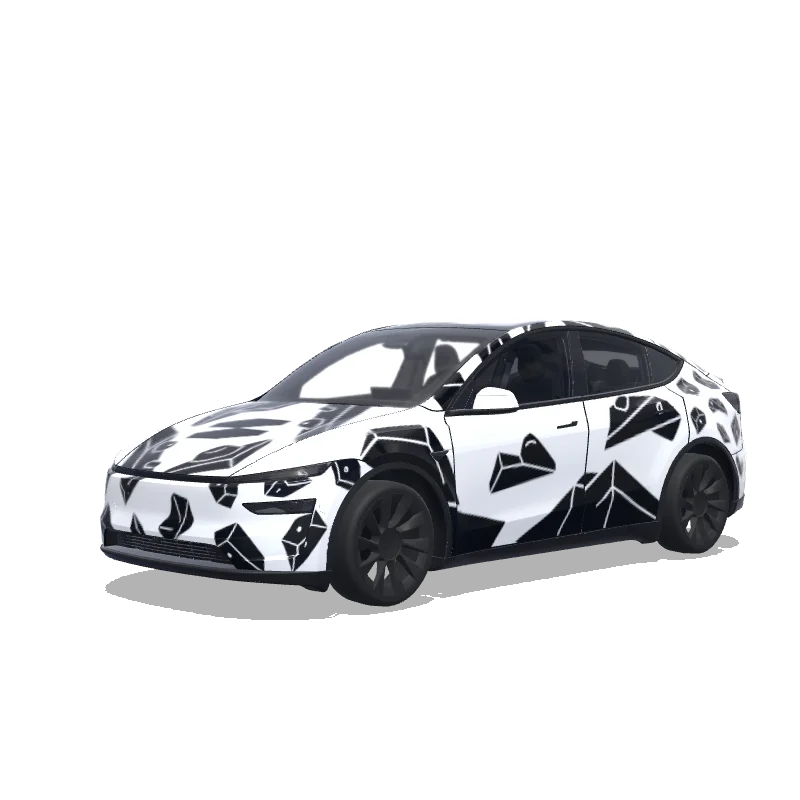
Model Y-folieringsdesign
2025+ · Premium

Designet af
ra lau
Se AI-prompt
AI-prompt brugt på Tesla Wrap Studio
“On the bottom part of the image, there are 3 graphics. 2 of them I'd like to use. From the left: "problem" - that's the name of a bouldering wall, I'd like to use this name in this exact font. 2. Address of the bouldering wall - don't want to use it. 3. A logotype of this bouldering wall. I want to use it in the design. The overall design of the wrap has to be minimalistic, modern, using the fonts visible on the bottom part of the attached image only. Keep it mostly black and white. Keep it in the bouldering vibe - you can add some structures that would resemble boulders. Do not make the design overly complicated.”
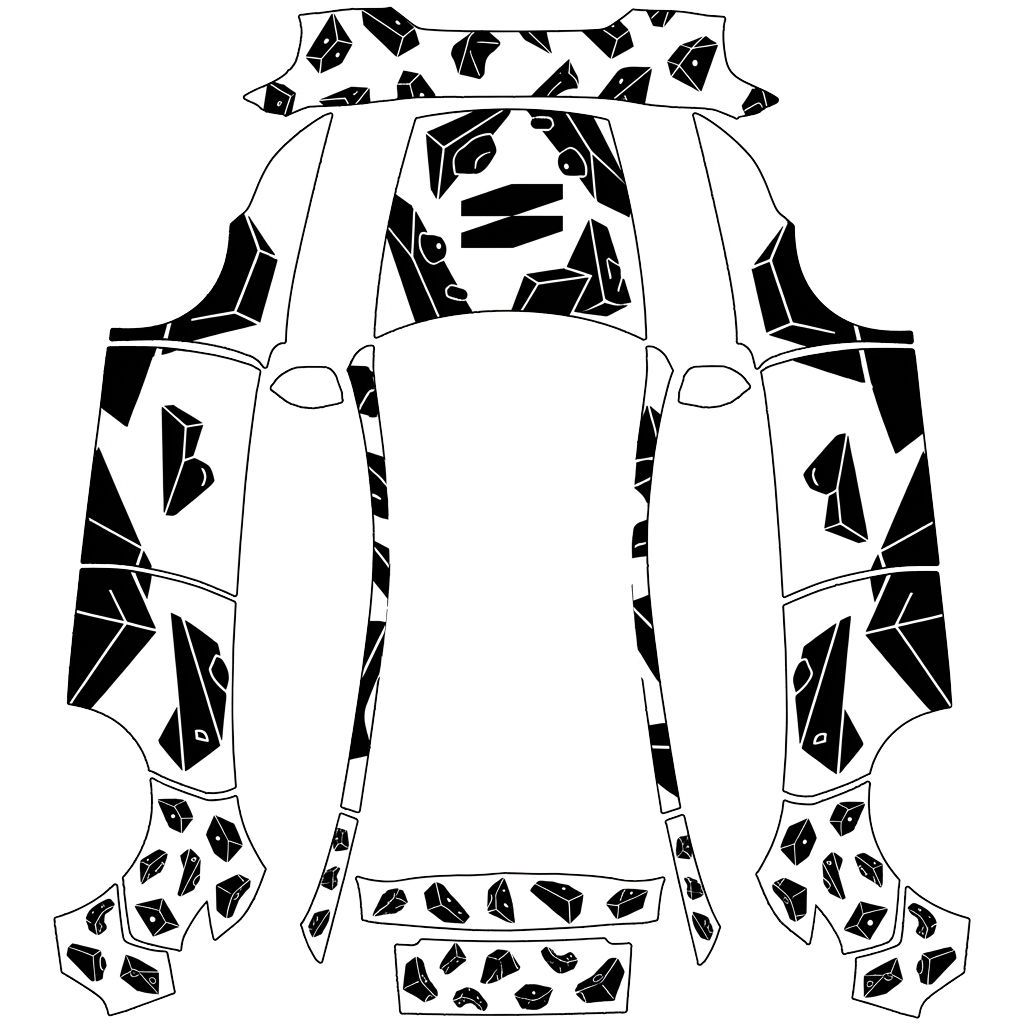
Brug i Tesla Paint Shop
Se dette design på din Tesla
Download PNG-filen for at se designet på din Tesla-skærm eller i Tesla-appen.
Kontrollerer filkrav
Filkrav til Tesla Paint Shop
Se Teslas officielle filkravTesla-kravDenne fil
Format
Tesla-kravPNG
Denne filKontrollerer…
Lærredsstørrelse
Tesla-krav512–1024 px på hver led
Denne filKontrollerer…
Fil
Tesla-kravHøjst 1 MB · gyldigt filnavn
Denne filKontrollerer…
Køretøjsskabelon
Tesla-kravMatchende officiel skabelon
Denne filKontrollerer…
Kun til 3D-visning på skærmen i Tesla Paint Shop – ikke til tryk eller montering.
Sådan gør du
Føj denne folie til din Tesla
- 01
Download PNG-filen
Gem den Paint Shop-klare PNG-fil på din telefon eller computer.
- 02
Send den til din Tesla
I Tesla-appen v4.59.0+: Creations → Wrap → Upload. Eller læg PNG-filen i mappen Wraps i roden af et understøttet USB-drev.
- 03
Anvend den i Paint Shop
Åbn Toybox → Paint Shop → Wraps i din Tesla, og vælg designet.