Likes: 1Downloads: 12
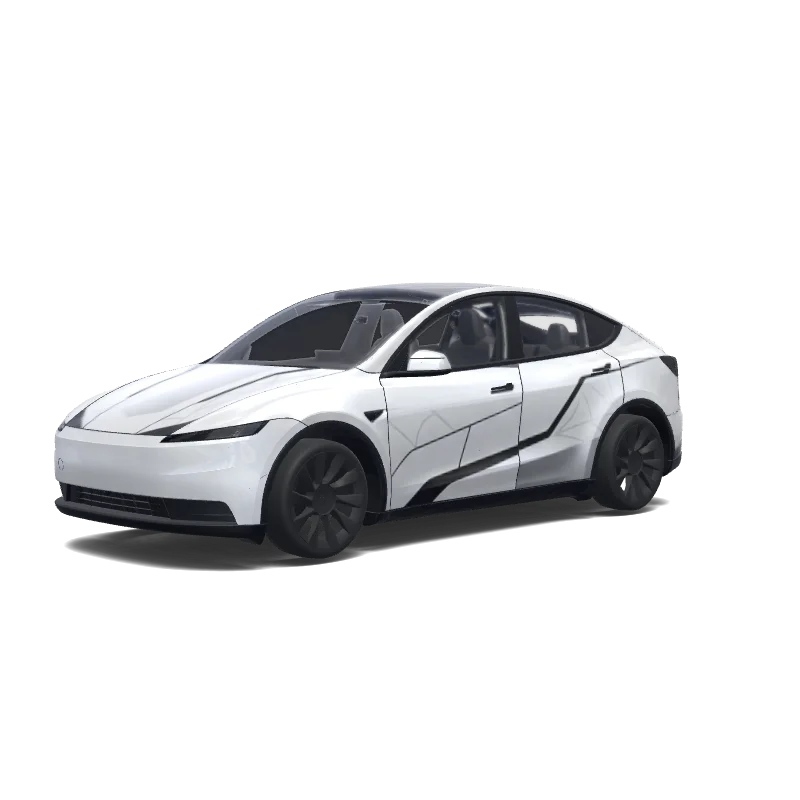
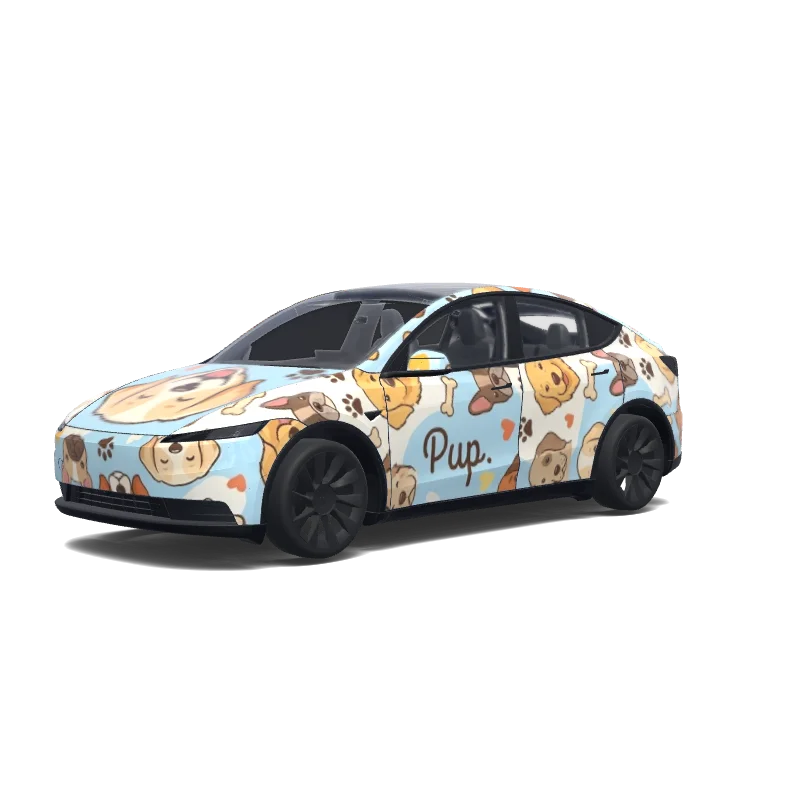
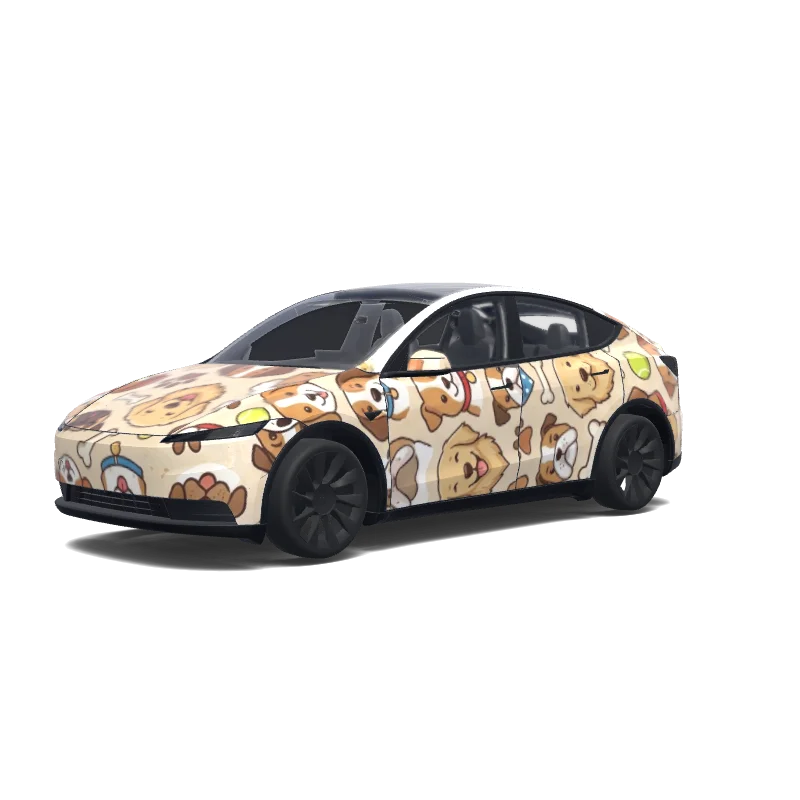
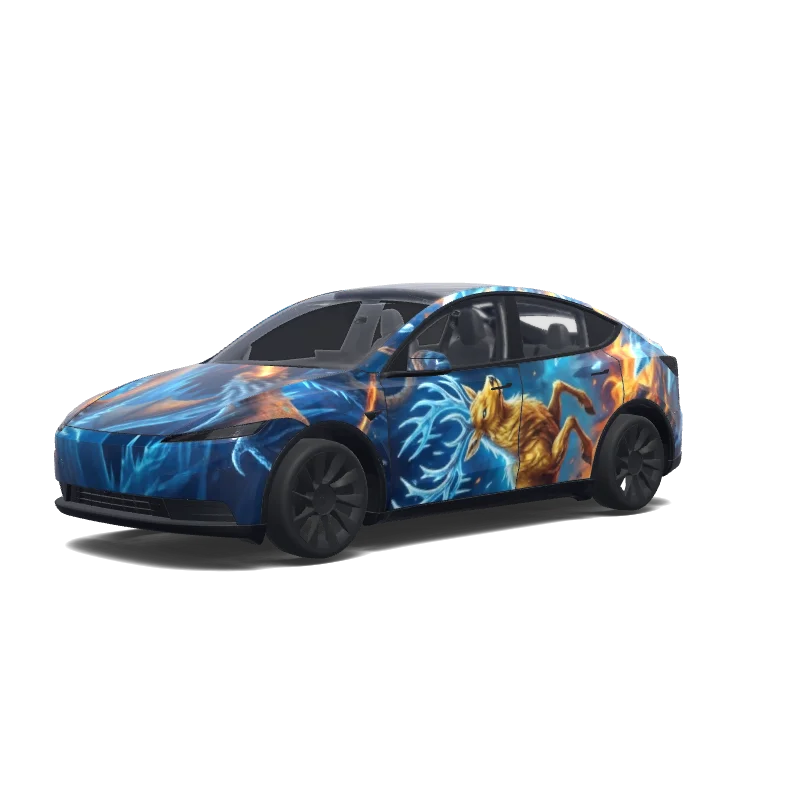
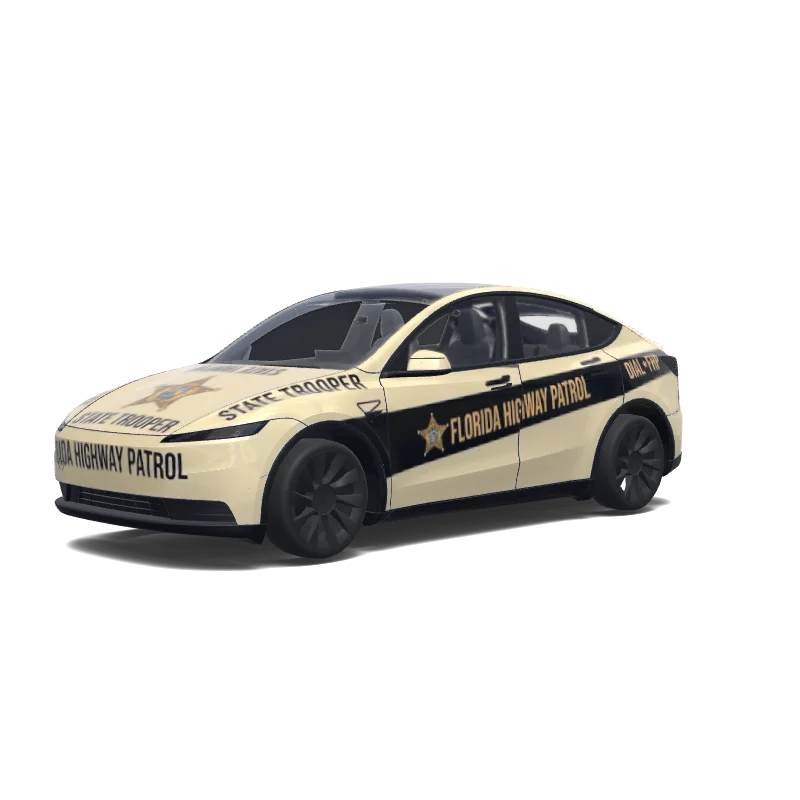
Model Y Wrap Design
2025+ · Standard

Designed by
Arden Arkana Pratama
View AI prompt
AI prompt used on Tesla Wrap Studio
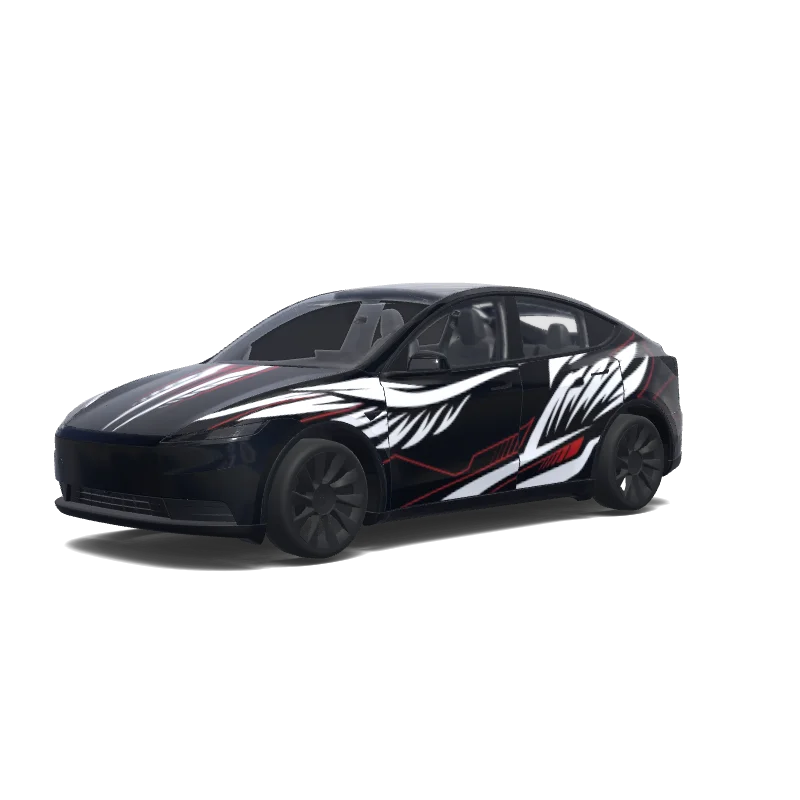
“a futuristic white spider-themed superhero suit, without copying copyrighted artwork, logos, or exact costume designs. Keep the vehicle's pearl white base color and create a sleek high-tech appearance using layered matte white, gloss white, and satin silver textures. Add aggressive black aerodynamic panel lines, futuristic geometric patterns, and subtle web-inspired graphics integrated into the body panels. The design should feel like advanced technology mixed with a luxury performance vehicle, with sharp angular details, smooth flowing lines, and a clean minimalist superhero aesthetic. Incorporate subtle metallic accents and faint reflective details that enhance the shape of the Tesla without making it look busy. Create a sophisticated black-and-white contrast similar to a futuristic stealth suit, with the graphics following the natural curves of the vehicle like an engineered exoskeleton. Ensure all panels connect seamlessly with perfect symmetry, professional automotive wrap proportions, and realistic vinyl textures. Avoid any spider logos, character faces, text, Marvel branding, or direct copies of any existing Spider-Man suit. The final design should look like an original futuristic concept wrap designed for a SEMA show car, with a realistic Tesla Model Y mockup, cinematic studio lighting, sharp reflections, and a premium factory concept vehicle appearance.”
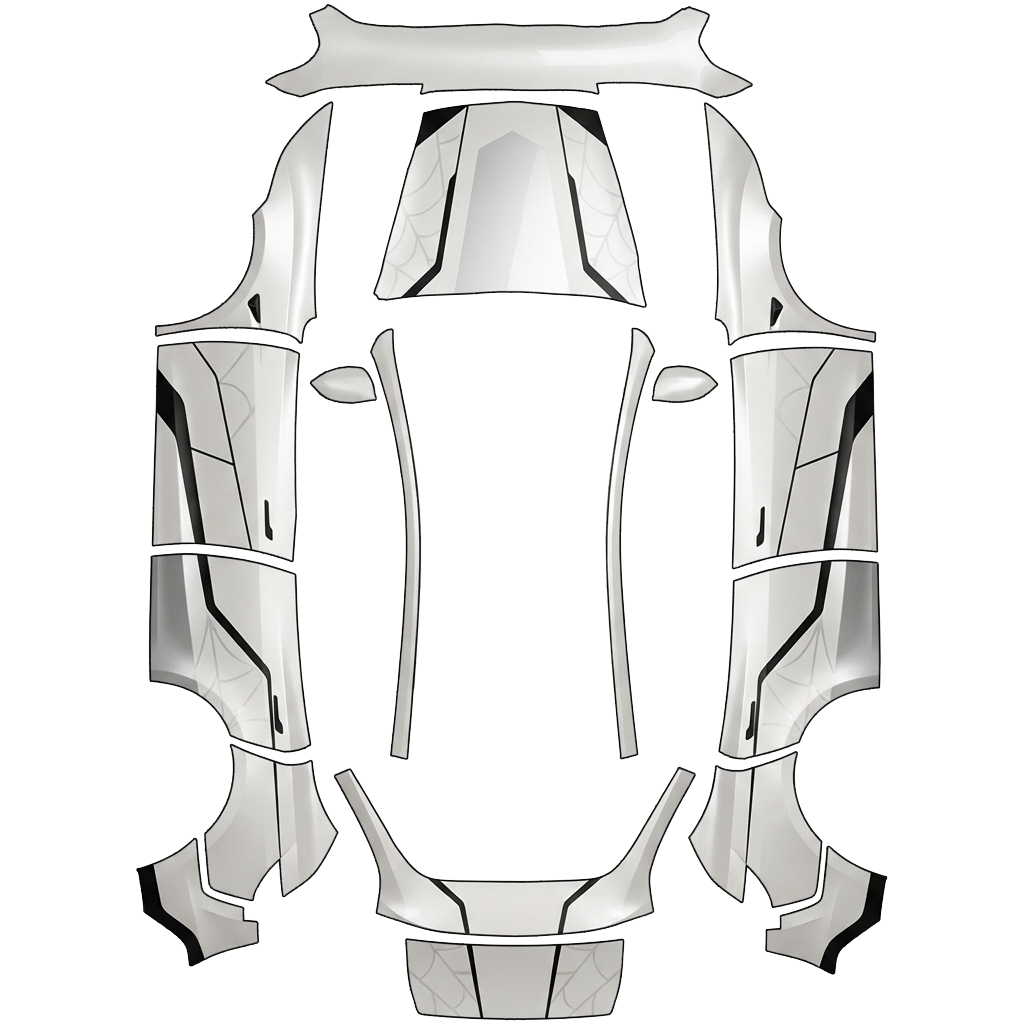
Use in Tesla Paint Shop
Preview this wrap on your Tesla
Download the PNG to see this design on your Tesla screen or in the Tesla app.
Checking file requirements
Tesla Paint Shop file requirements
View Tesla's official file requirementsTesla requirementThis file
Format
Tesla requirementPNG
This fileChecking…
Canvas size
Tesla requirement512–1024 px per side
This fileChecking…
File
Tesla requirement1 MB or less · valid filename
This fileChecking…
Vehicle template
Tesla requirementMatching official template
This fileChecking…
For Tesla Paint Shop's on-screen 3D preview—not for printing or installation.
How to use
Add this wrap to your Tesla
- 01
Download the PNG
Save the Paint Shop-ready PNG to your phone or computer.
- 02
Send it to your Tesla
In Tesla app v4.59.0+: Creations → Wrap → Upload. Or place the PNG in a root-level Wraps folder on a supported USB drive.
- 03
Apply it in Paint Shop
On your Tesla, open Toybox → Paint Shop → Wraps, then choose the design.