Likes: 1Downloads: 24
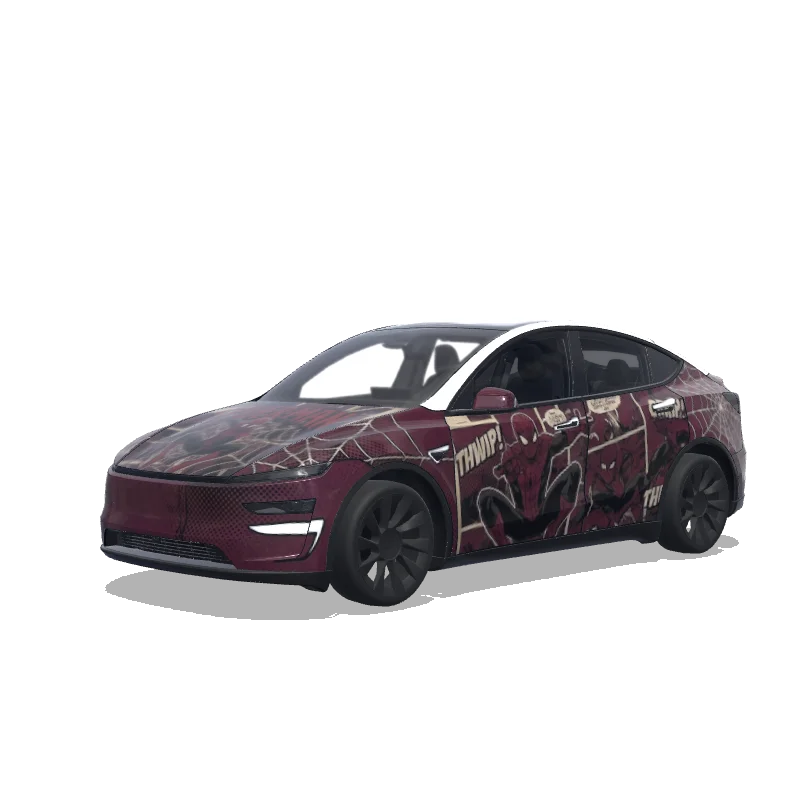
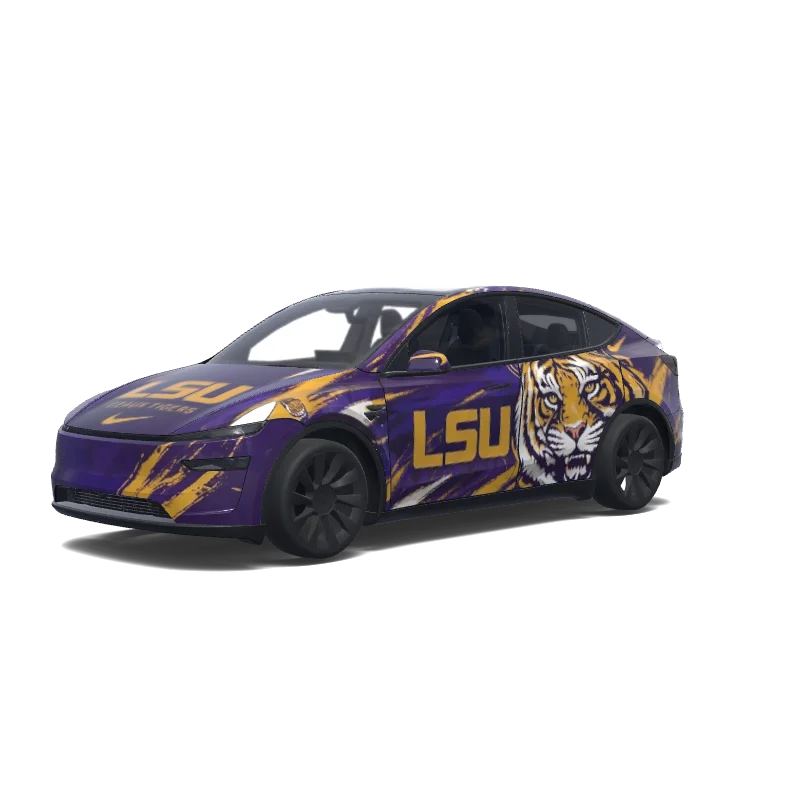
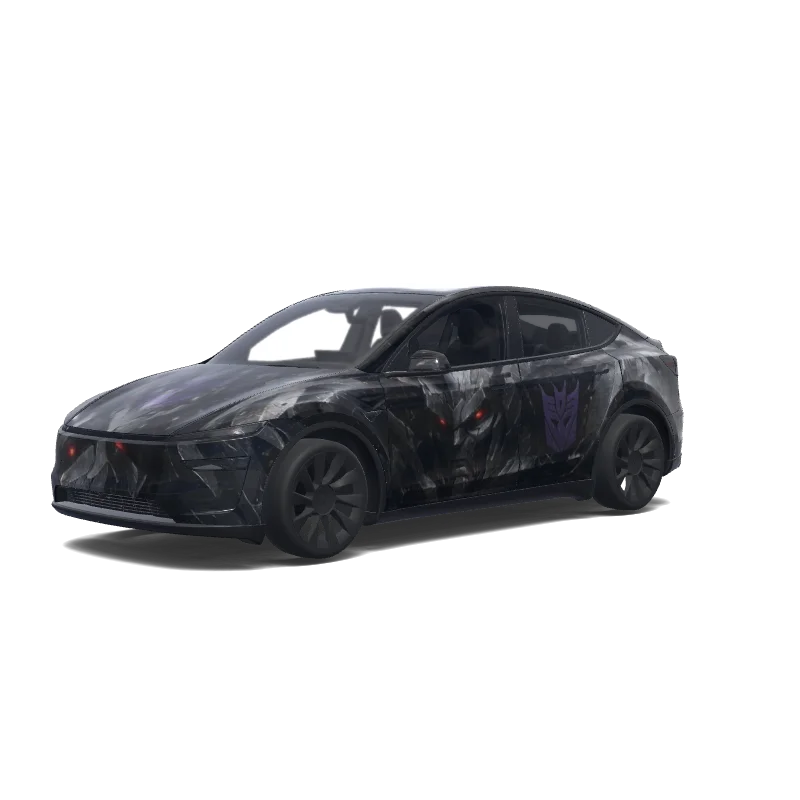
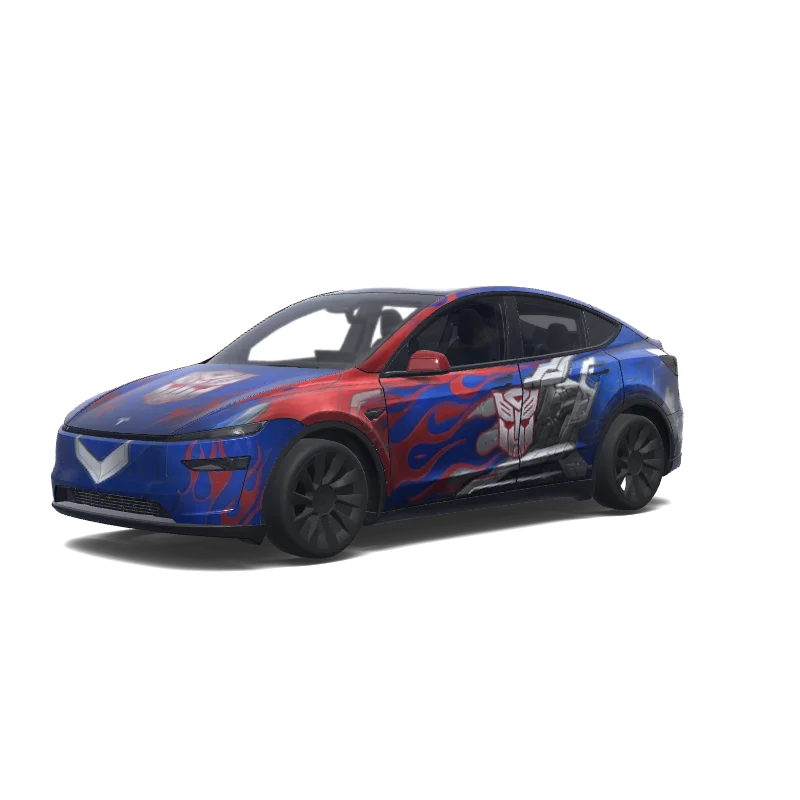
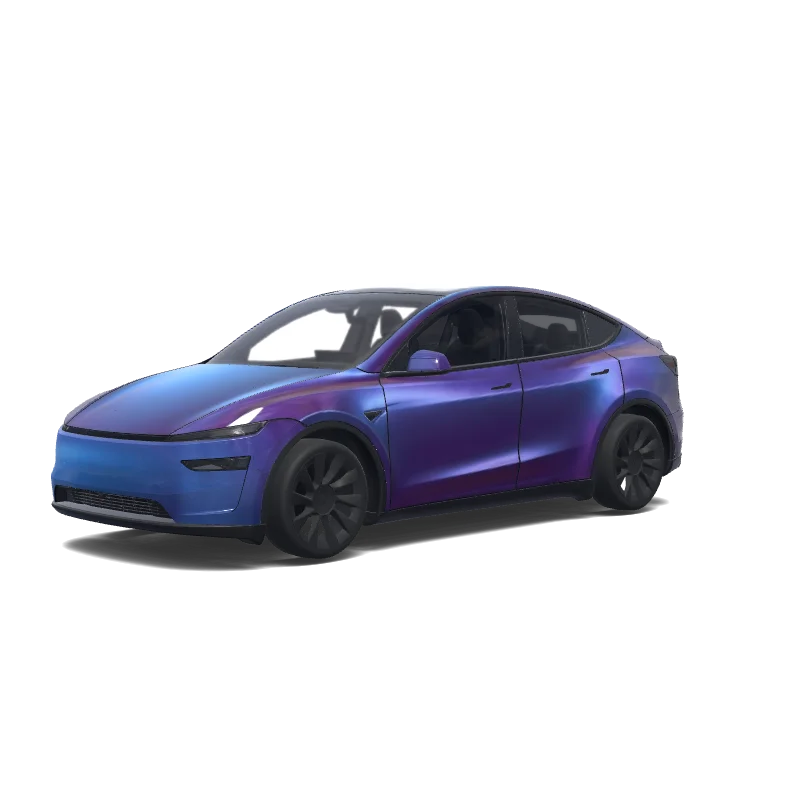
Model Y Folierungsdesign
2025+ · Premium

Designt von
диана яковлева
KI-Prompt anzeigen
KI-Prompt verwendet im Tesla Wrap Studio
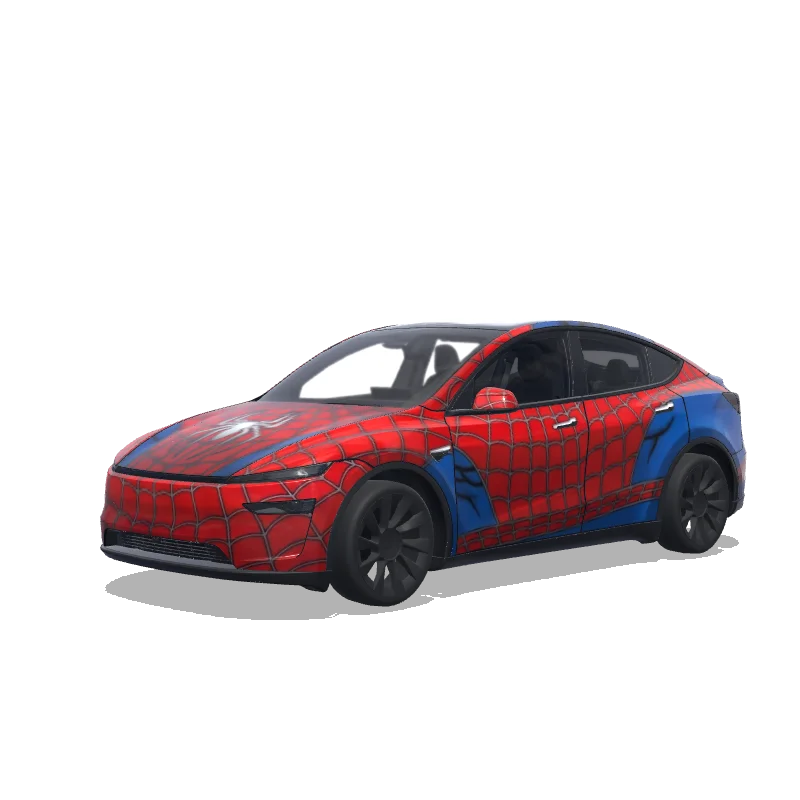
“Here is the design and thinking process behind creating a professional car wrap kit like the "Spider-Man: No Way Home" design you shared: 1. Concept and Theme Definition The first step is deciding on a clear "vibe" for the vehicle. Theme: Marvel’s Spider-Man (specifically the No Way Home era). Style: Instead of using clean, modern movie renders, this design uses a classic comic book collage aesthetic. Goal: To make the car look like a moving piece of pop-culture art rather than just a simple color change. 2. Strategic Color Palette A limited color palette ensures the design looks premium rather than cluttered. Primary Color: A deep, sophisticated burgundy/maroon (Spider-Man’s signature red, but darkened for a "stealthier" look). Contrast: Heavy use of black for shadows, outlines, and text to provide high contrast. Depth: Greys and darker reds are used in the background "layers" of the comic panels to create a sense of 3D depth. 3. Asset Selection and Placement The designer collects various "assets" (graphics) to build the collage: Typography: Large "SPIDER-MAN" logos and "No Way Home" film titles are placed where they will be most visible (hood and side panels). Illustrations: Iconic action poses and web motifs are scattered to create energy. Textures: "Halftone dots" and "vintage paper textures" are added to mimic the feel of an old-school physical comic book. 4. Technical Template Mapping This is the most critical technical step. The design must be mapped onto a die-cut template specific to the car model (e.g., a Tesla Model Y): Alignment: Ensuring that a graphic starting on the hood flows naturally onto the front fenders without a visible break. Cutouts: Important details (like Spider-Man's face or the main logo) are carefully positioned to avoid being cut off by door handles, sensors, or window seals. 5. Visual Hierarchy and Balance The designer balances the design for two perspectives: From a Distance: The viewer should immediately recognize the red/black color scheme and the giant Spider-Man logo. Up Close: The viewer discovers "Easter eggs," such as specific comic book dialogue snippets and intricate web patterns. for tesla wrap designer model y preimium 2025”
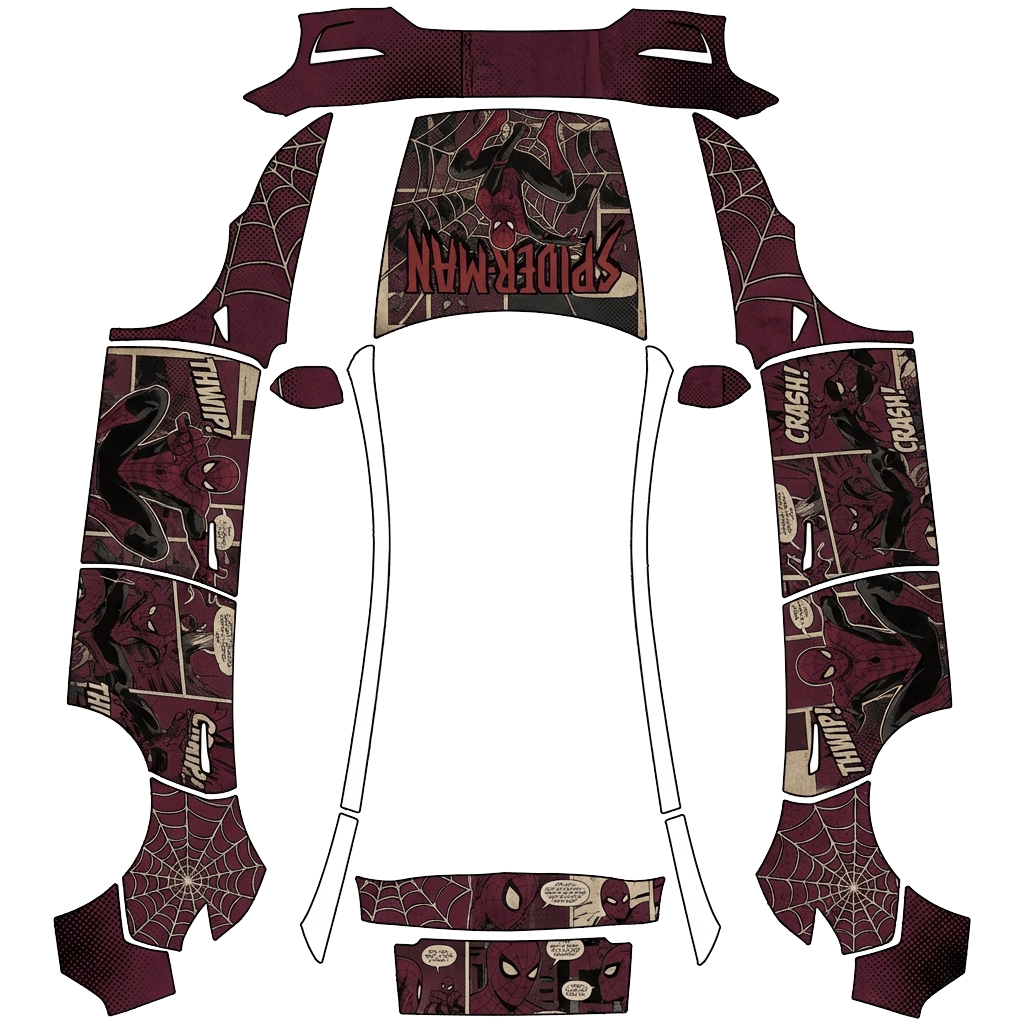
In Tesla Paint Shop verwenden
Dieses Design auf deinem Tesla ansehen
Lade die PNG-Datei herunter, um dieses Design auf dem Tesla-Display oder in der Tesla App anzusehen.
Dateianforderungen werden geprüft
Dateianforderungen für Tesla Paint Shop
Offizielle Dateianforderungen von Tesla ansehenTesla-AnforderungDiese Datei
Format
Tesla-AnforderungPNG
Diese DateiWird geprüft…
Arbeitsfläche
Tesla-Anforderung512–1024 px je Seite
Diese DateiWird geprüft…
Datei
Tesla-AnforderungMaximal 1 MB · gültiger Dateiname
Diese DateiWird geprüft…
Fahrzeugvorlage
Tesla-AnforderungPassende offizielle Vorlage
Diese DateiWird geprüft…
Nur für die 3D-Bildschirmvorschau in Tesla Paint Shop – nicht für Druck oder Folierung.
So funktioniert’s
Füge diese Folierung deinem Tesla hinzu
- 01
PNG herunterladen
Speichere die Paint Shop-kompatible PNG-Datei auf deinem Smartphone oder Computer.
- 02
An deinen Tesla senden
In der Tesla App ab v4.59.0: Creations → Wrap → Upload. Oder lege die PNG-Datei im Stammordner Wraps eines unterstützten USB-Sticks ab.
- 03
In Paint Shop anwenden
Öffne in deinem Tesla Toybox → Paint Shop → Wraps und wähle das Design aus.